05/22/2026
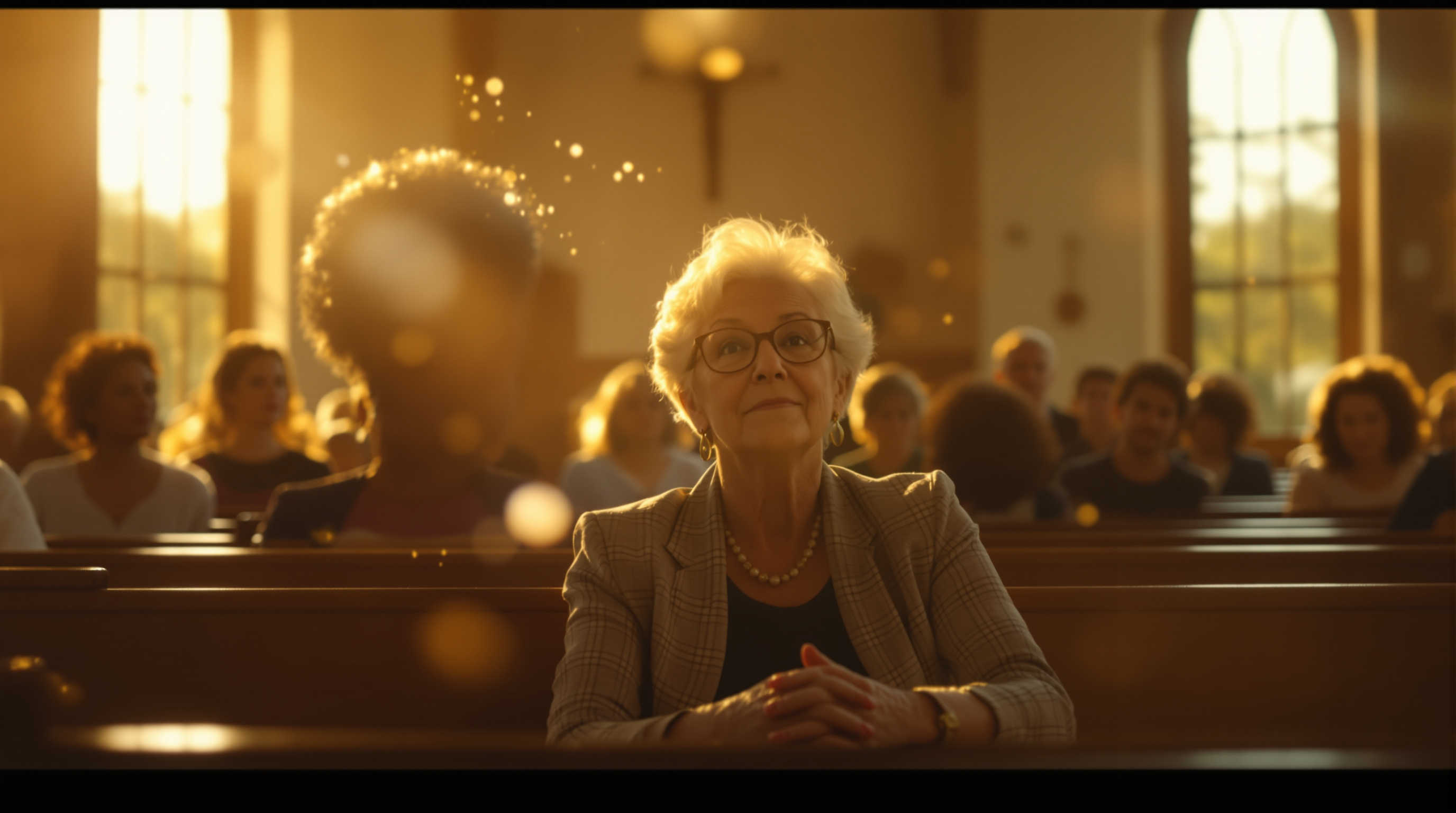
A new federal rule requires public entities to caption every video starting April 2026. Churches are exempt. Here is why you should add captions to your livestream anyway, and the cheapest way to do it without paying a fortune.
On April 24, 2026, a new federal rule went live that requires large public entities — cities, state universities, public schools, libraries — to caption every video they publish, including livestreams. If you read the news that week, you probably saw a headline or two and wondered if your church was on the hook.
You're not.
Churches and other religious organizations are explicitly exempt from ADA Title II and Title III. Always have been. The new rule doesn't change that. If your tech volunteer is panicking that the federal government is coming for your Sunday livestream, you can tell them to relax.
Now here's the part you should actually pay attention to: just because you don't have to add captions doesn't mean you shouldn't. The case for captioning your livestream has nothing to do with the law and everything to do with the people watching at home.
Most of your online viewers are watching with the sound off
This is the thing people don't believe until they see the analytics on a YouTube account that isn't theirs. Somewhere between 50% and 80% of social video is watched with the sound muted. Phones in pockets, tablets on counters, laptops in waiting rooms, screens in hospital rooms where someone else is sleeping nearby.
When your livestream auto-plays in a Facebook feed with no sound and no captions, it's two seconds of confused silence and then a scroll. Captions are the single biggest thing you can do to make that two seconds turn into thirty.
And it's not just social. Watch any teenager use their phone. Watch any older adult who's losing some high-frequency hearing. Watch anyone whose first language isn't English follow a sermon delivered at conversational speed. Captions aren't an accessibility nicety — they're how a huge slice of your audience actually consumes video in 2026.
Hearing loss in your congregation is bigger than you think
About one in five adults in the U.S. has some degree of hearing loss. By age 65, it's closer to one in three. Most of them haven't told you. A lot of them haven't fully admitted it to themselves. They sit toward the front, they nod along, they smile, and they catch about 60% of what you said.
For the in-room crowd, a hearing loop or a clip-on receiver can help. For online viewers, captions are the entire answer. The person who joined the livestream because driving to the building got too hard? Captions are the difference between them feeling included and them feeling like they're squinting through a foggy window.
If you want one reason to add captions and ignore every other reason, this is it.
What "auto captions" actually look like in 2026
You have three real options.
Free auto-captions from your streaming platform. YouTube, Facebook, and most modern livestream platforms generate captions automatically. They're free. They turn on with a setting. You don't have to do anything special. Accuracy on a clean audio signal hovers around 90%, which sounds great until you remember the other 10% is words like "Habakkuk" and "transubstantiation" and your pastor's last name.
Free auto-captions on the recording. If you're not married to live captions, you can let the platform process the recording after the service and add reasonably accurate captions to the on-demand version. This is what most people watch anyway — the replay during the week, not the live broadcast. It's the easiest single upgrade you can make and it costs nothing.
Paid live captioning services. Real human captioners or premium AI services in the $30–$200/month range. Worth it for larger churches or any church where the proper-noun problem is a real distraction.
For most churches, free auto-captions on the recording are the move. Turn them on, leave them on, and move on with your week.
The proper-noun problem (and how to mostly solve it)
Auto-captions struggle with three things in church content: scripture references, theological vocabulary, and names. Watch any auto-captioned sermon and you'll see "Phillip Ians" for Philippians, "Heaven 7:14" for "11:7-14," and "Pastor Mark Anderson" become "Pastor Markin Sin."
Two things help. First, most caption platforms let you upload a custom vocabulary list. Add your pastors' names, your church's name, your denomination, frequent book names. Second — and this matters more — make sure your audio is clean before you ever turn on captions. The auto-caption engine is only as good as what it can hear, and a hollow audio mix turns "the gospel" into "this awful" with depressing regularity.
If your audio is muddy or the room is echoey, fix that first. Captions on top of bad audio just produce confidently wrong subtitles.
Two honest caveats
Captions are not a fix for everything. Two things worth knowing before you flip the switch.
One, live captions lag. Even good real-time captioning trails the speaker by 2–6 seconds. For a sermon, fine. For a fast-moving worship moment with the congregation singing along, the captions are going to feel like they're a beat behind. Most viewers don't care. Some do.
Two, captions during music get weird. The platform doesn't know whether to caption the lyrics, label it [MUSIC], or just produce a stream of misheard syllables. If your music is licensed through CCLI or similar and you're streaming it, the cleanest path is captions on the spoken portions and [MUSIC] tags during songs. Most viewers actually prefer that — they don't want garbled hymn lyrics scrolling across the screen.
What this looks like on your branded apps
Most churches stream to YouTube, Facebook, and a website embed. Some now stream to their own iPhone and Roku apps too — which is one of the things we built Fluger to make possible without an Apple Developer account or a $99/month app-store tax. Your church's name on the app, your logo, your stream.
The thing nobody mentions in the sales pitch: captions need to work everywhere your viewers are watching, not just on YouTube. When you set up a streaming workflow, ask whether captions follow the stream into your apps, into your website embed, and into the on-demand replays. If the answer is "only on YouTube," half your audience is missing them.
Also worth knowing if you've been put off livestreaming because YouTube keeps muting your worship music for copyright: that's a YouTube problem, not a livestream problem. Streaming through a platform that doesn't run automatic content matching on worship audio fixes it. (We're one of those, but you have options.)
The bottom line
Your church doesn't have to add captions. Most churches have an easy path to add them anyway, for free, in about ten minutes. The people who benefit most are not the people who'll email you to thank you — they're the ones quietly watching from a hospital bed, a kitchen counter, or a couch where their hearing aids are charging on the nightstand.
Turn them on this week. Watch your average view duration go up.
If you want to put your livestream on YouTube and on your own branded iPhone and Roku apps — with captions following along — Fluger has a 14-day free trial at fluger.tv/registration. No app-store fees, no Apple Developer account required, no ContentID muting your worship music.