05/13/2026
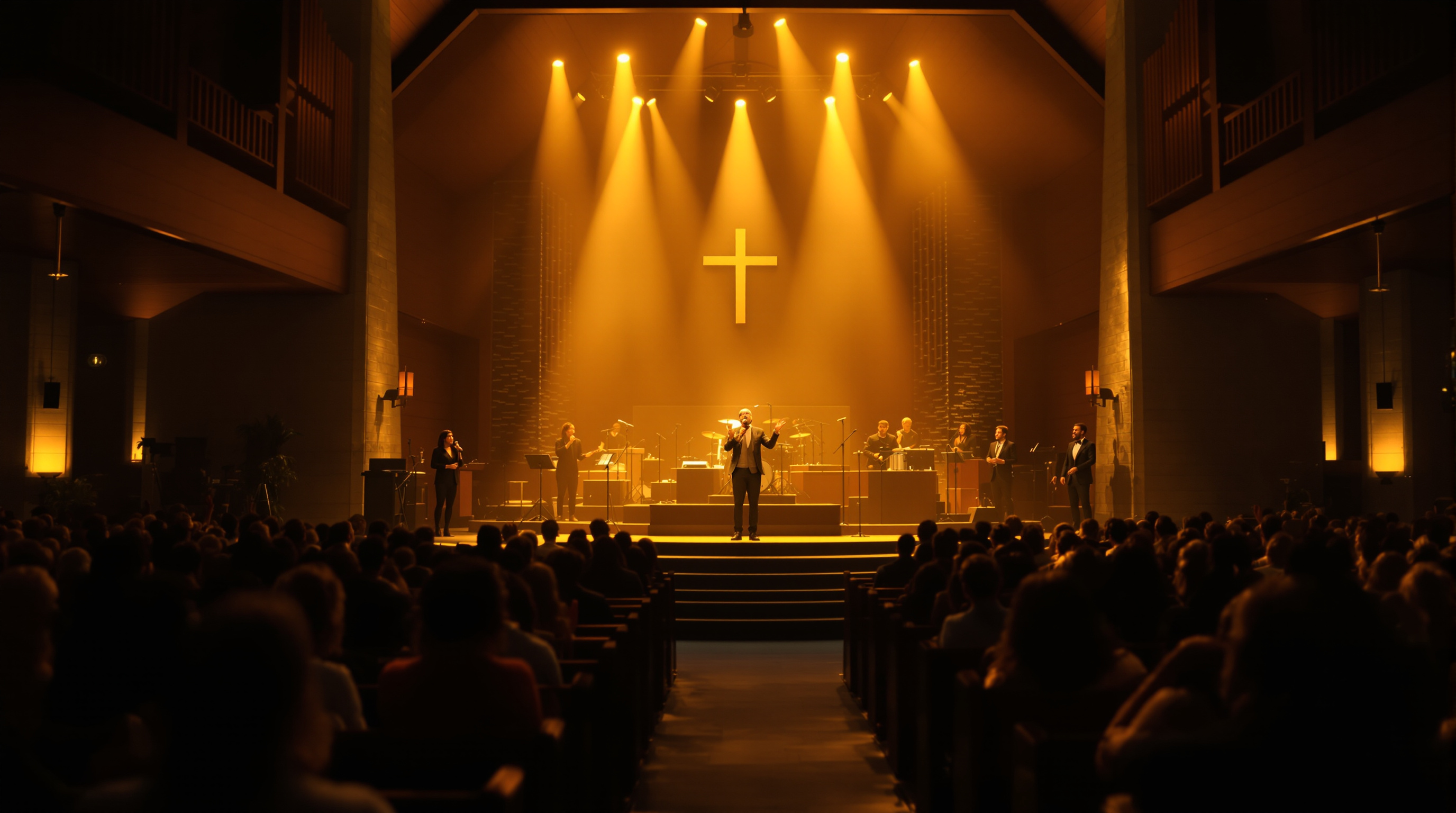
Most church livestream video problems aren't the camera — they're the lighting. Here are four cheap, practical fixes to try before you spend money on new gear. Written for volunteers and pastors, not AV engineers.
Your livestream looks dim. The worship leader's face is half in shadow, your pastor's skin turns weirdly orange under the stage lights, and someone in the comments politely asks if the camera is broken. Naturally, you assume the camera is the problem. Someone on the AV team brings up "we need to upgrade the camera" at the next budget meeting.
Don't.
Nine times out of ten, the camera is doing its best with terrible lighting. Spending two grand on a new camera and pointing it at the same bad lighting setup gets you slightly-less-terrible footage and a much lighter church bank account. The real win — usually under three hundred dollars — is fixing the light.
Here's what to try first.
1. Stop Lighting Faces With Colored LEDs
Color-changing LED par cans look amazing in person. They make worship feel cinematic, the room feel alive, and the platform pop. On camera, they make your worship leader's skin look magenta.
Cameras measure light differently than human eyes do. A purple wash on the stage that reads as "vibey" to the congregation often shows up as "is she okay?" to the people watching at home. White-balanced cameras try to compensate for colored light by shifting the rest of the image — so the more saturated colors you have hitting your speakers' faces, the worse skin tones get everywhere else.
The fix is simple. Keep the colored lights. Just stop pointing them at faces. Move the saturated color to the background, the wall behind the band, or wash it across the floor. For anything hitting the pastor's face or the worship team's faces, use plain white or warm white light. Even a single eighty-dollar daylight-balanced LED panel pointed at the pulpit will completely change how your stream looks. The room will still feel like a room. But the people watching from home will see actual humans, not Smurfs.
2. Aim Light At the Face, Not the Top of the Head
Walk into most small-church sanctuaries and you'll see recessed ceiling cans pointing straight down at the platform. From a worshipper's perspective in row seven, the stage looks lit. From a camera at the back of the room, the pastor's eyes are sitting in two deep shadow sockets and you can read the part in their hair.
Top-down lighting is great for general visibility but terrible for video. The camera wants light coming from roughly the same angle the camera itself is at — front, and slightly above. The old photography rule works fine here: put a key light about 45 degrees off to one side and 45 degrees up. You're not building a Hollywood three-point setup. You're just preventing eye sockets from becoming caves.
Two cheap options:
- Add an angled track light or surface-mount fixture pointing at the pulpit and worship area from the rear of the room or balcony.
- Put a pair of LED video panels on tripod stands in the back two corners of the platform, aimed at whoever's speaking.
This single change — light from the front, not just from the top — does more for "looks professional" than a fifteen-hundred-dollar camera upgrade.
3. Match Your Color Temperatures
Modern sanctuaries are full of light from a dozen sources: stage spots (probably around 3200K), ceiling cans (might be 4000K), the screens behind the band (5600K-ish), and a stained glass window doing whatever the sun decides to do that morning. Each of those is a different "color" of white. To a camera, this looks like a hot mess — patches of warm orange next to patches of cool blue, with the pastor standing somewhere in the middle wearing both at the same time.
You don't have to replace all your lighting. You just need the lights that are actually pointed at the people on stage to be roughly the same color temperature as each other. Daylight-balanced (5000K to 5600K) tends to read most accurately on camera. Tungsten/warm (around 3200K) is fine too, but only if everything else hitting your subjects is also warm.
Pick one and stick to it for your front lighting. Mismatched color temperatures are the number-one cause of "I don't know what's wrong, it just looks bad" streams. The fix is often just swapping two bulbs.
4. Light the Room, Not Just the Stage
This one's free.
A lot of churches dim the house lights down to near-black during the music portion. In the room, this feels reverent and focuses attention forward. On camera, it makes everything outside the spotlight beam disappear into a black void. The congregation visually evaporates. The space feels claustrophobic. Visitors watching from home can't tell if there are eight people in the room or eight hundred.
Bring the house lights up just enough that the camera can see a few rows of the congregation. You don't need them blasting. You just need the room to read on screen as a room. This matters more than people realize for newcomers — they want to feel like they'd be joining something, not staring into a closed-circuit black box.
When the Camera Actually Is the Problem
To be fair: if your camera is a ten-year-old webcam pointed at the stage via a long USB extension, no amount of lighting is going to save you. There's a real floor below which gear matters. But the floor is lower than most people think. A used 1080p PTZ camera (around four hundred dollars on the secondhand market) in a well-lit sanctuary will produce a stream that looks ten times better than a brand-new 4K camera struggling in a dim cave.
Order of operations:
- Fix the lighting.
- Check your audio (a hollow-sounding mix kills credibility faster than dim video ever will).
- Then, if the footage still looks bad, talk camera upgrades.
If your stream looks great but no one's watching past the announcements, that's a different conversation — and a different problem from gear entirely.
Once the Video Looks Good, Make Sure It Actually Reaches People
Here's the part that frustrates churches that just spent a Saturday rewiring their lighting: you fix all of this, the Sunday stream finally looks beautiful, and then YouTube auto-mutes the worship songs the second a copyrighted melody is detected. Or members can't find the stream because it's buried four taps deep on a generic church-app platform. Or you've got nothing on Roku because the per-app setup quote came back at $10,000.
This is roughly the gap Fluger is built to fill. Your stream gets a branded iPhone app and a branded Roku app — listed in the app stores under your church's name, not ours — with no ContentID mutes during worship and no Apple Developer Program enrollment ($99/year plus paperwork) required on your end. You handle the lighting; we handle the delivery. There's a 14-day free trial at fluger.tv/registration if you want to see what a non-muted, branded Sunday stream looks like for your congregation.
The Wednesday Afternoon Test
Before the next budget meeting, do this. Walk into your sanctuary on a Wednesday afternoon when nothing else is going on. Turn on only the lights you'd have on during a Sunday service. Stand exactly where the camera stands. Look at the platform.
If the lighting looks bad to your own eyes, it will look worse on camera. Fix that first. Most of the cameras already in churches today can produce a beautiful stream — they're just being asked to do magic in the dark.