05/11/2026
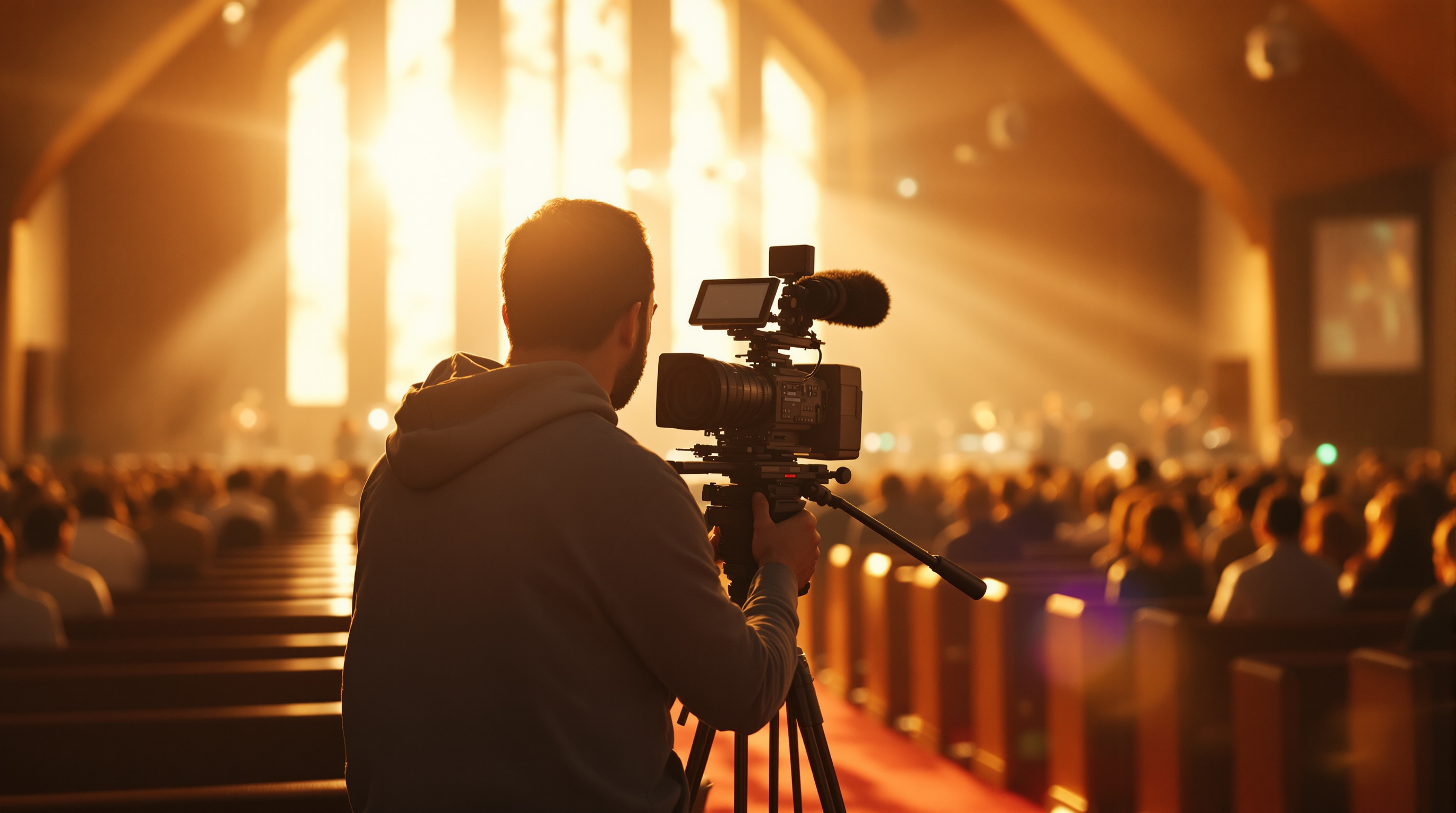
A single locked-off camera is why most church livestreams lose viewers in the first ten minutes. Three angles, used with restraint, fix it on a tiny budget.
Picture someone sitting at home, on the couch, watching your service. They open your stream. The image loads: a wide shot of your stage, taken from somewhere near the back of the room. The pastor walks out. He preaches for thirty-eight minutes. The shot does not move. Not once. It is the same frame for thirty-eight minutes.
How long do you think they watch?
This is the single biggest reason your church livestream feels like a webinar. Not your audio (we wrote about that one already). Not your lighting. Not your CCLI license. It is the fact that you have one camera, locked to a tripod, pointed at a stage — and human eyes are not built to look at the same picture for an hour.
The good news: you do not need a Hollywood rig to fix this. You need three angles, used with restraint, by a volunteer who has been trained for about twenty minutes.
Why one camera kills watch time
In-person church works because your brain is doing a thousand things at once. You are tracking the pastor's face, glancing at your spouse, noticing the kid in front of you, feeling the room. There is depth, motion, peripheral vision. You are not looking at a flat rectangle.
A livestream collapses all of that into one rectangle. If the rectangle never changes, your brain runs out of things to do, and the rest of your brain — the part that wants to check email or fold laundry — wins. Watch time tanks. People drop off ten minutes in even when the sermon is great.
Network television figured this out in the 1950s. Cuts give the brain a small jolt of new visual information. Done well, you barely notice them. Done badly, they are nauseating. Done not at all, you tune out.
The three angles you actually need
You do not need eight cameras. Three, used with discipline, will outperform six used badly. Here is the rule:
Angle 1 — Wide. A locked-off shot from the back or side that frames the whole stage. This is your safety shot. When something goes wrong with anything else, you cut here. You probably already have this one.
Angle 2 — Tight. A close shot of whoever is speaking. Head and shoulders. This is what carries the sermon. The pastor's face is the most engaging thing in the room — let people see it.
Angle 3 — Something else. This is the one most churches skip. It is the shot that gives the picture variety: the worship team during a song, the congregation from a back-of-room angle, an over-the-shoulder of the pastor's notes, hands raised during a chorus. Pick one or two. You do not need all of them.
That is the entire formula. Wide for worship. Tight for sermon. The "something else" for transitions, songs, baptisms, prayer, anything emotional.
How to actually buy these cheaply
The Angle 1 wide shot you already have. The other two are where churches think they need to spend ten thousand dollars. They do not.
For the tight shot, your options:
- A used DSLR with a 50mm or 85mm lens, mounted on a tripod near the front. People sell these for under $400 on the secondhand market because everyone shoots video on phones now. With a clean HDMI output, it plugs straight into your switcher.
- A PTZ camera in the $500–$900 range. PTZ stands for pan-tilt-zoom — it is a small box you mount on a wall or balcony rail, and one volunteer can control it remotely. Brands like PTZOptics, OBSBOT, and BirdDog all make units in this range. This is what most churches end up doing for the long haul.
- An iPhone on a tripod. Genuinely. A current iPhone shoots better video than most camcorders made before 2020. You will need a USB-C to HDMI adapter and a phone clamp.
For the third angle, repeat any of the above. Or use the same PTZ on a different preset (most PTZ controllers let you save framings — one preset for "tight on pastor," another for "wide on worship team," and you switch between them with a single button).
The switching problem
Once you have three feeds, somebody has to choose which one is on screen at any moment. This is where churches panic. They imagine a control room with sliders and a guy wearing a headset.
You can do it on a laptop. Free.
OBS Studio (free, open-source) lets you set up "scenes" — each scene is a different camera angle — and a volunteer clicks between them. Twenty minutes of training is enough to make someone competent. Two services of practice and they will be smooth.
vMix is the paid alternative if you want fancier features (multi-view, replay, virtual sets). The free tier handles four cameras.
If you want hardware instead of software, the Blackmagic ATEM Mini family runs $300–$700 and does the same job with physical buttons. Some volunteers prefer buttons. Some prefer a mouse. Both work.
The unwritten rules of cutting
Three things separate a livestream that feels professional from one that feels amateur, and none of them cost money:
Cut on pauses, not mid-sentence. When the pastor takes a breath, finishes a thought, walks across the stage — that is your moment. Cutting in the middle of a word is jarring. Cutting on a beat is invisible.
Let shots breathe. New volunteers cut every five seconds because they are nervous. Resist this. Six to fifteen seconds on a shot is normal. Thirty seconds on a tight shot during a powerful sermon point is fine. A locked wide for the whole thirty-eight-minute sermon is the failure mode you are leaving behind.
Match the shot to the moment. Wide for the room (worship, communion, congregation moments). Tight for intimacy (sermon, prayer, testimony). The "something else" for variety, never as the primary shot.
That is it. There is no fourth rule.
What this does for your reach
Here is the part nobody tells small churches: when your stream stops looking like a webinar, the people watching it stop treating it like one. They watch on the TV instead of the laptop. They tell their cousin about it. They want it on a real app on their phone, not buried in a YouTube tab next to cooking videos.
That is when having your service in a branded iPhone and Roku app under your church's own name starts to matter — not because the technology is cooler, but because the experience finally matches the production. People who would never sit through a YouTube link will sit through a real app, on a real TV, that says their church's name on the home screen. (And no, you do not need to mess with Apple Developer accounts to get there — Fluger handles that side so your office staff does not have to learn what an entitlement is.)
But that is a problem for next month. This month, fix the cameras. Even one extra angle, used well, will show up in your watch time numbers within two weeks.
A short, honest caveat
If you only have one volunteer and they can barely keep the wide shot in focus, do not add a second camera yet. Get angle 1 absolutely solid. Get the audio absolutely solid. Then add angle 2. Multi-camera done badly is worse than single-camera done well, because the cuts are jerky and the framings are wrong, and viewers feel that even if they cannot name it.
Crawl, walk, run. Most churches we talk to are at "crawl" and skip straight to trying to run. Walk first.
If you are ready to put your stream somewhere it actually looks at home — your own iPhone and Roku app, listed under your church's own name, with no Apple Developer account drama — Fluger's 14-day free trial is at fluger.tv/registration. Set it up on a Tuesday evening and have it live by Sunday.