07/01/2026
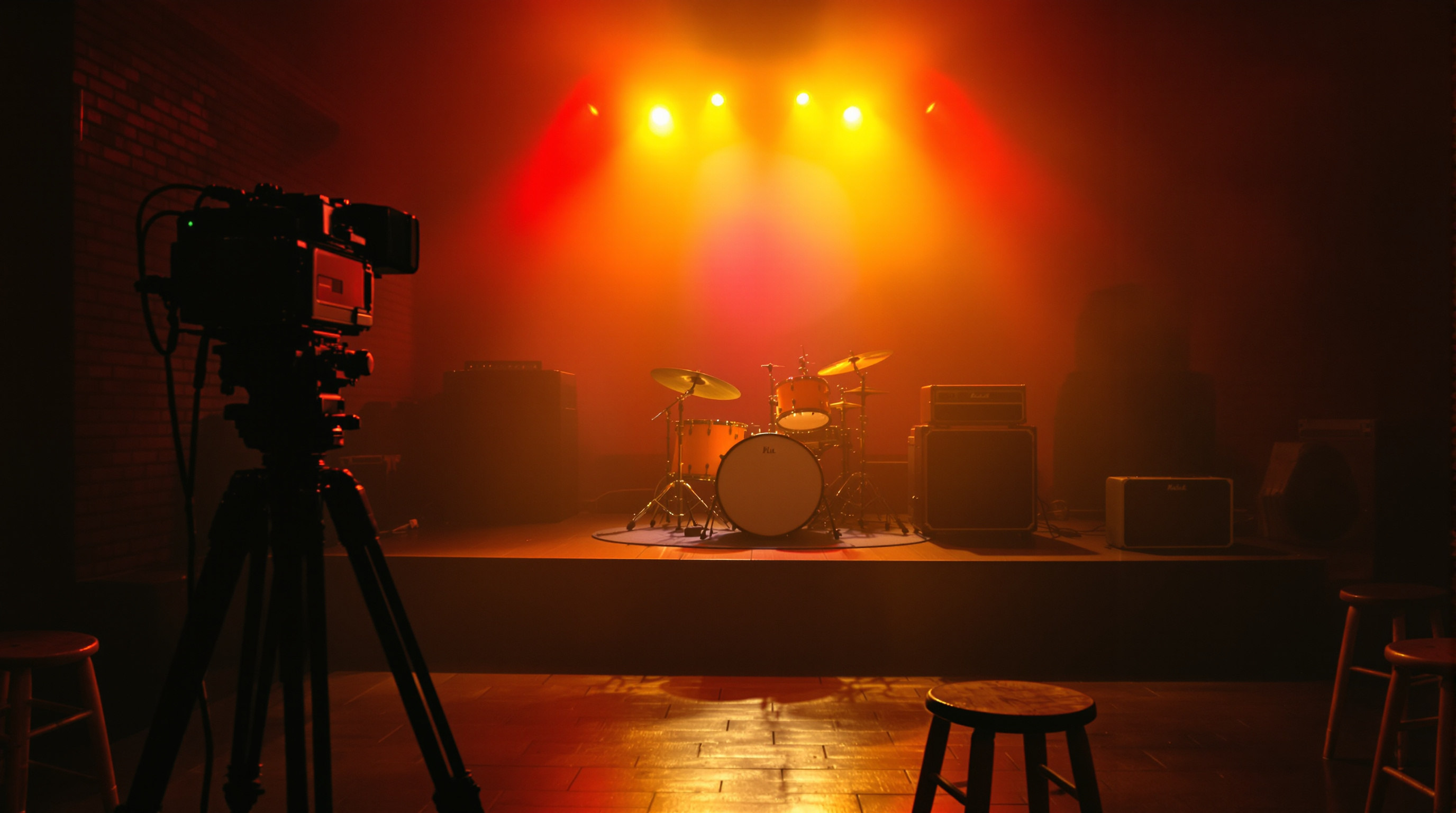
ContentID auto-muting is silently killing small-venue livestreams during tribute nights and cover sets. Here is why the standard workarounds fall short — and what a venue-owned streaming channel actually changes.
Cover nights pay the rent at most small venues. A four-piece runs through The Killers, Fleetwood Mac, and whatever the crowd will sing along to, the bar sells drinks, and everyone goes home happy. Then the venue tries to livestream the same night to their Facebook page — and 40 minutes in, half the songs cut to silence. The crowd noise makes it back onto the stream. The music doesn't.
You already know what caused it. YouTube and Facebook run automated audio fingerprinting on every livestream. The moment a bar band leans into the "Don't Stop Believin'" chorus, the rights holder's ContentID entry lights up, and the platform mutes the track — sometimes just the offending song, sometimes the rest of the broadcast, sometimes the whole channel gets a strike that takes weeks to clear.
If your venue has ever put out a livestream that "worked in the room but sounded broken online," this is almost always why. And the workarounds most venues have settled on — original-songs-only nights, staying off livestream entirely, hoping the algorithm doesn't catch it — all leave money and audience on the table.
Why the muting is worse than it looks
The obvious cost is the muted stream. A viewer clicks over from your Instagram story, hears silence for 90 seconds, and leaves. You never see them again.
The less obvious cost is what happens to the archive. Most venues repurpose stream footage — cutting it into short clips for social, uploading full sets to a highlights channel, saving the best nights as evidence for touring artists deciding whether to book you. Every one of those downstream uses inherits the muting. A three-song set that got flagged during the live broadcast is a three-song set with dead spots on your Instagram reel a week later.
And venues underestimate how often it fires. It's not just clearly-copyrighted material. ContentID has misfired on original songs that happen to share a chord progression with something registered, on public-domain classical pieces, on covers where the arrangement is transformative enough to qualify as fair use. The system doesn't care about your legal argument — it just mutes and asks questions later.
The three workarounds venues actually use — and why each is bad
Originals-only livestreams. Some venues restrict streaming to nights when the bill is original artists only. This works, but it cuts you off from streaming the shows that draw the biggest crowds — the tribute nights, the cover bands, the singalongs. The nights worth streaming are exactly the ones that trip ContentID.
"We just don't livestream anymore." A surprising number of small venues quietly gave up on livestreams during 2024–2025 after too many muted broadcasts made the effort feel pointless. This works in the sense that nothing breaks, but you lose every audience that would've watched — including the touring artists who use your archive to decide whether to route through your town.
Uploading edited highlights days later, no live component. You can dodge automated muting on some platforms by uploading edited video with different metadata — but the flagging still happens on any track with a fingerprint match, just on a delay. And you've traded the live moment (which is the whole point) for a highlight reel that competes with every other venue's highlight reel.
None of these is a real fix. They're workarounds that shrink what your venue can do.
What a venue-owned channel changes
The technical detail that makes livestreaming work again for cover-heavy venues is straightforward: your own branded streaming channel doesn't sit inside YouTube's or Facebook's automated moderation stack. There's no ContentID fingerprinting running against your audio in real time. When you go live from the soundboard to your own channel, the audio arrives at your viewers the same way it arrives at the room — nothing mutes it.
This isn't a legal loophole. You're still responsible for the licensing side of the equation the same way you're responsible for the ASCAP/BMI licenses that cover the room. What changes is that automated muting stops eating your livestreams. A cover set gets streamed as a cover set. Your archive stays intact. Your Instagram clips have audio.
For venues that primarily book original artists, this matters less. For venues that book tribute nights, open mics that trend toward covers, wedding-band showcases, or any night where the setlist leans on registered songs — which is a lot of small venues — this is the difference between livestreaming being worth doing and livestreaming being a broken feature.
Fluger's branded streaming channels publish under your venue's own name to Roku and iOS, so viewers install "The Empty Bottle" or "The Bluebird" rather than opening a YouTube app and searching. And because there's no automated fingerprinting on the platform, cover nights stream through cleanly. No Apple Developer account required, and there's a 14-day free trial if you want to see the flow before committing.
Practical setup for a venue starting from scratch
If your venue has never had a working livestream, the setup is smaller than most owners assume:
- A single camera at the back of the room on a tripod, ideally with a slight angle down toward the stage. Even a locked wide shot is fine — your audience isn't expecting broadcast-quality cutting.
- A direct feed from the soundboard into a small audio interface, mixed at line level. The audio in the room and the audio on stream should be the same signal path, not a camera microphone picking up the PA.
- One streaming encoder — a $200 hardware encoder or free OBS on any laptop. Point it at your channel's ingest URL.
- Someone at front-of-house who can start and stop the stream. This is usually the sound engineer if they're already running the board.
That's the minimum. You can add cameras, switchers, lighting-triggered picture-in-picture, and lower-thirds later. For a first month of streaming to see if it earns its keep, don't. Get one clean angle and clean audio to your channel, and let the room do the rest.
What to stream first
For a venue new to this, the mistake is trying to stream every show. That burns out whoever's running it and creates a firehose of half-watched content nobody remembers.
Better: pick one recurring night. Your weekly tribute residency, your monthly Americana showcase, your Tuesday open mic that always draws a room. Stream it, publish it on your channel, and let a rhythm build. Regulars start opening the app on Tuesday nights the way they used to open the venue's Instagram. Touring artists get sent to the archive as booking bait.
Once you have one night working, add a second. Don't try to be a broadcast network. Be the venue that streams the good ones and does it clean.
Bottom line
If your venue's livestream keeps getting muted mid-cover, the problem isn't your setlist or your engineer or your camera. It's that you're streaming into a platform whose whole business model depends on identifying and silencing your best songs. Move the stream onto a channel that doesn't do that, and the same room, same board feed, same band suddenly becomes a livestream that actually sounds like the show.
If you want to see how a venue-owned channel comes together, Fluger has a 14-day free trial. Point one camera at the stage, run the board feed in, and stream your next tribute night through it. You'll hear the difference the first time a chorus doesn't cut out.