06/30/2026
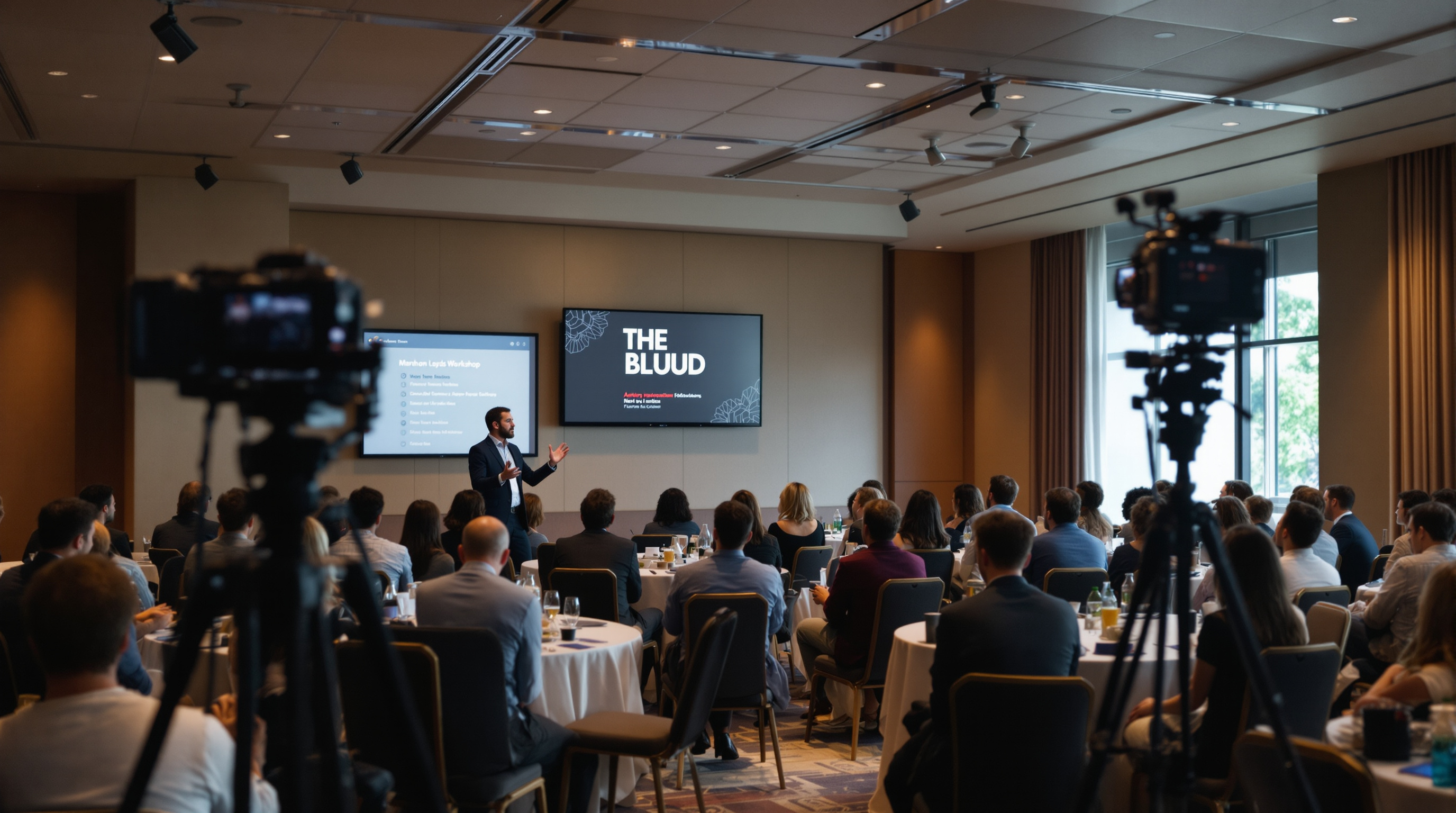
Conference budgets pour into keynote production while breakout workshops get a phone on a tripod. Then six months later the workshops are the videos people actually rewatch.
Conference budgets put four cameras, a switcher, and a pro audio package on the keynote stage. The workshop down the hall gets a phone propped against a water pitcher. Sometimes not even that.
Then six months later you check your VOD analytics and find the room you barely covered is the room people actually rewatch.
This pattern is so consistent it's worth treating as a rule: the longer the format and the more practical the content, the higher the replay value. Keynotes are designed to inspire a room. Workshops are designed to teach a skill. People come back to the second one.
Keynotes peak at the live moment. Workshops compound.
A keynote works because of the room. Energy, lighting, the way a good speaker plays off a live audience — all of it is built for the people in the seats. On video, stripped of that physical context, most keynotes lose 60–80% of their punch. The cuts to a clapping crowd are filler. The applause lines land flat. The video is still useful for marketing — a sizzle reel, a speaker showreel, a social clip — but as a long-form watch it rarely earns more than one viewing.
A workshop is different. The value is the content itself: a methodology, a checklist, a worked example, a Q&A that surfaces edge cases the speaker hadn't planned for. None of that requires the room to land. In fact it benefits from being watchable on pause, at 1.5x, in chunks. People come back to a workshop video the way they come back to a tutorial — with a specific question, looking for a specific answer.
If your conference is at all educational — and most B2B conferences are — workshops are your most reusable asset.
The math producers should be doing
Pick any session from the last conference you ran. Now answer two questions:
- How many people were in the room?
- How many people, ever, will watch the recording?
For a keynote with 800 in the room, the answer to #2 is often comparable: another 500–2,000 people across the entire post-event lifecycle. Useful, but the live audience is the headline.
For a workshop with 40 in the room, the answer to #2 — if you bothered to record it well — is regularly 5x, 10x, 20x the live attendance. Niche topics attract niche audiences, and the niche audience finds the video forever. A 40-person workshop that gets 1,200 lifetime views has done more for your community than a keynote that got the same 1,200.
The cost ratio is upside down too. Keynote production costs run into five and six figures. Workshop production, done competently, is a tripod, a wireless mic on the presenter, a separate room-tone mic for Q&A, and an operator who can swap cards. That's it.
Why workshops don't get filmed
Three reasons, in our experience working with event producers.
The first is that workshop rooms are usually booked tight back-to-back, with no production crew turnover budgeted. The video team is across the building rigging the next keynote.
The second is that workshop presenters often haven't signed a release for video distribution. Many speaker contracts cover the keynote stage explicitly and treat the breakout sessions as in-room only. This is fixable with one paragraph in the speaker agreement — but somebody has to add it.
The third is that producers think workshop video quality has to match keynote quality. It doesn't. The audience for a recorded workshop is forgiving of single-camera, mid-quality video as long as the audio is clean and the slides are legible. The bar is "watchable on a laptop with headphones," not "broadcast television."
What "filming the workshops" actually looks like
If you don't have the budget for a full production team in every breakout, here's the minimum that works:
- One static camera at the back of the room on a tripod, framed to capture the presenter and the screen. No operator needed if you frame it wide. Set it, hit record, walk away.
- A wireless lavalier on the presenter feeding directly into the camera or a small recorder. This is the one thing you cannot compromise on. Bad audio kills the recording.
- A second handheld or stand mic that gets passed to Q&A askers. If you skip this, every question is inaudible and the most valuable part of the session — the conversation — is unusable.
- A separate audio recorder running as backup. Cameras die, SD cards corrupt. Audio is recoverable separately.
- A slide deck handoff from each speaker before they go on. The recording is much more useful if you can render the deck as a picture-in-picture overlay in post, or even just attach the PDF.
A volunteer with two hours of training can run this setup. You don't need broadcast engineers. You need someone who will not forget to press record and will check the audio levels before the session starts.
The publishing question
Recording the workshops is half the work. The other half is making them findable.
A recorded workshop in a Dropbox folder accomplishes nothing. A workshop dropped onto an unlisted YouTube link and emailed to attendees gets a small spike of views in the first week, then disappears from the internet forever. Neither of those is the asset you paid to capture.
What works is publishing each workshop as a permanent, findable, branded piece of content — with its own title, description, tags, and place in a library that your attendees and your community know exists. That's the difference between a recording and a content library. A content library compounds. A folder of MP4s does not.
For conferences that run annually, that library becomes one of the strongest selling points for the next year's event. "Last year's full session catalog is here" is a much better registration pitch than "trust us, it'll be great." For continuously-running event series or training organizations, the library is the product between events.
Where Fluger fits
If you want a branded place to publish your session catalog — somewhere with your conference name on the app icon, viewable on phones, on Roku, on a regular web browser, with no Apple Developer fees to deal with — that's what Fluger does. You upload the sessions, organize them into tracks or years, and your attendees pull up your branded app to watch.
The bigger point is that workshops deserve the same treatment your keynotes get. Different production budget, sure. But the same intent to capture, the same intent to publish, and the same understanding that the content is going to keep working for you long after the room empties.
If you'd like to spin up your own session library, you can start a 14-day free trial at fluger.tv/registration. No code, no Apple Developer account, your conference's name on the channel.
Don't film only what looks impressive. Film what people will rewatch.