07/12/2026
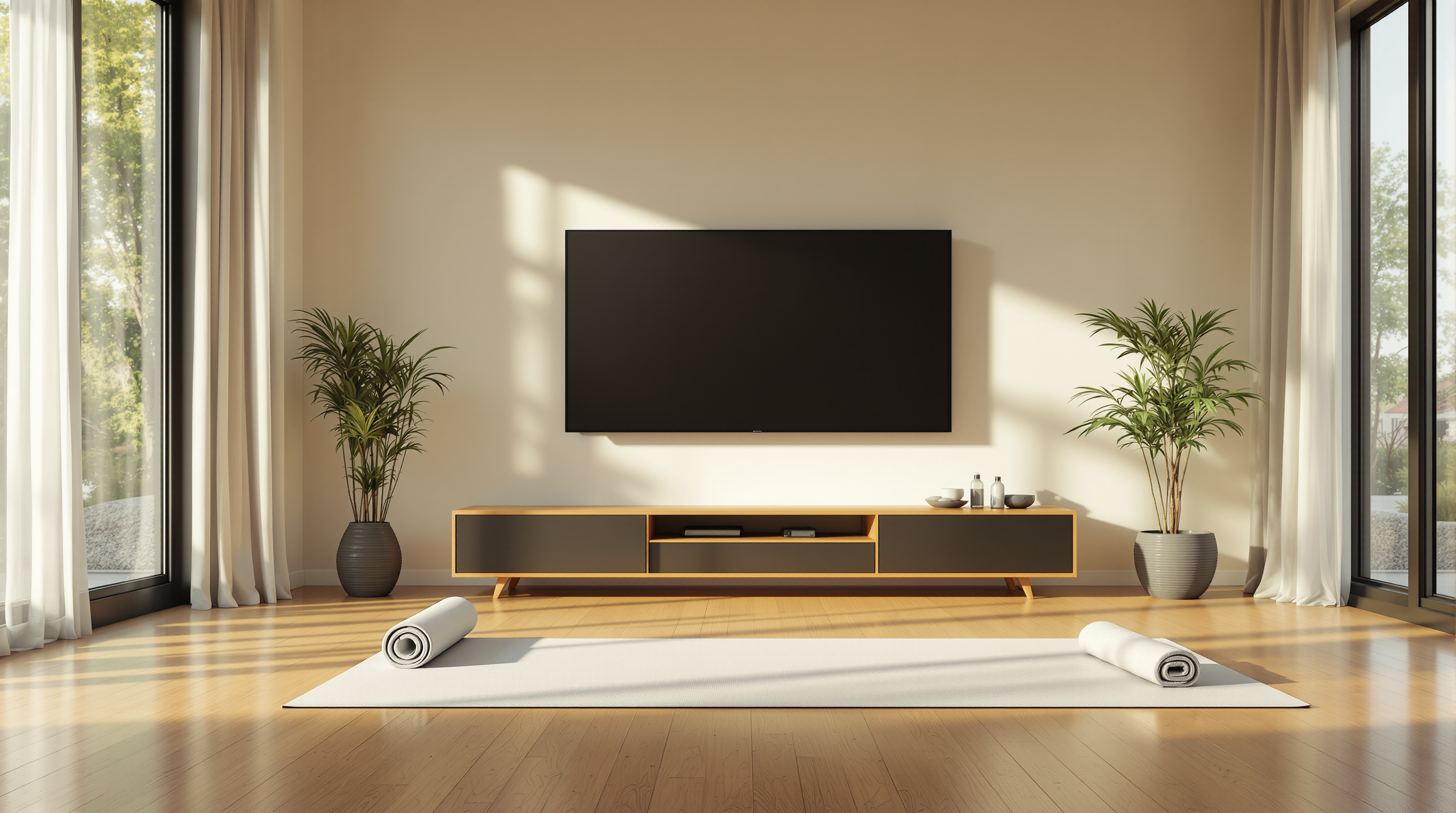
Phone-only fitness apps miss the screen where members actually work out. A look at why the TV is the retention lever most studios ignore, and how small studios can launch a branded Roku and iOS app without an Apple Developer account or ContentID trouble.
Your fitness members don't work out on their phone. They work out in front of it — while it sits on the coffee table, or propped up on a shelf, or leaned against a water bottle. Meanwhile the actual big screen in their living room — the TV they paid a thousand dollars for — is dark.
That's the gap. Most boutique fitness studios have built exactly one home-workout product: a phone app. And it turns out phones are the worst screen in the house for actual movement.
Where People Actually Do Home Workouts
Ask any member where they take a class at home and you'll get one of three answers. On their yoga mat in the living room. In the basement gym. In front of the TV in the bedroom. Almost nobody says "at my desk staring at my laptop" and even fewer say "hunched over my phone."
For anything longer than a 20-minute HIIT session, the phone screen loses. It's too small to see form cues from across the mat. It runs out of battery mid-class. It buzzes with texts. And the second the member wants to invite their partner or roommate to join, the phone becomes physically impossible — two people can't share a five-inch screen doing lunges.
The TV solves all of that. And a big share of your members already have a Roku, Fire TV, or Apple TV sitting under their television. They're not going to stream your class from Chrome cast on a laptop as a workaround — they'll just skip the class.
The Reason Most Studio Apps Are Phone-Only
Almost every "launch a fitness app" service on the market ends at iOS and Android. That's not because studio owners chose phones — it's because publishing to Roku and Apple TV is genuinely a different pipeline. Different app store, different review process, different build format, different remote-control UX to design for.
For a small studio, hiring someone to build both a phone app and a TV app runs into six figures fast. So the TV version gets cut. Members download the phone app, use it twice in the car, and forget it exists.
Meanwhile the studios that do have TV apps — Peloton, Alo Moves, Apple Fitness+ — are the ones members actually keep paying for month after month. That's not a coincidence. TV placement is retention.
What a Small Studio Actually Needs
The bar for a good fitness TV app isn't high. It doesn't need social features or a leaderboard. It needs three things:
- A clean home screen with your classes organized by length or focus, browsable from a Roku remote in about four button presses.
- A 24/7 channel option — a live stream of a rotating class schedule that a member can flip to like a TV channel, without picking anything. Great for members who don't want to decide.
- On-demand playback with resume, so if a member stops halfway through a class, it picks up next time.
None of that requires an engineering team. It requires a platform that can publish to both TV and phone at the same time, under your studio's brand.
The Apple Developer Account Problem
Here's the part that catches most studio owners off guard when they finally do try to build a real app: Apple requires a Developer Program membership tied to a legal business entity to publish to the App Store — the same for iOS and Apple TV. That means DUNS number, business verification, annual fees, and a review process that can bounce your app for reasons that have nothing to do with the workouts inside it.
A smaller studio can absolutely go through all that. It's just a distraction from teaching classes.
The alternative is publishing your studio's app through a platform's own developer account — meaning the platform owns the store listing but your app appears under your studio's name and brand. It shows up on the member's TV as [Your Studio] TV, not as some generic fitness aggregator. That's how Fluger runs it. We host the app; your brand fronts it. Same for Roku, Fire TV, and iOS.
What About Copyrighted Music in Class?
If you've ever tried to stream a class on YouTube or Facebook Live with real music in the background, you know what happens. ContentID mutes the class within minutes. Members hear thirty seconds of a workout, then dead silence, then the algorithm cuts you off entirely for repeat "infringement."
For fitness — where music is the workout — that's a killer. A cycling class without the beat is just people staring at a screen.
A branded app you control has no ContentID system running. If you have the rights to the music (you licensed it, or you're using tracks from a rights-cleared library), your app plays it the way you meant it to. That doesn't get you off the hook for actually licensing the music — you still have to do that — but it does mean the tech isn't fighting you every session.
What This Looks Like in Practice
A yoga studio in Portland has about 400 members. Half are drop-in visitors who show up for the in-studio class. The other half pay a monthly subscription that includes unlimited on-demand at home.
Before they had a TV app, the home-subscriber retention was brutal. Members signed up, watched three classes on their phone, and quit inside 90 days. The subscription felt like a Netflix login they never used.
They added a Roku and Apple TV version under their own brand. Same content library — no new production work. Home-subscriber churn dropped by nearly half in six months. The reason members gave in the exit surveys wasn't the classes; it was that opening the phone app felt like a chore, and the TV app felt like coming home to a class.
Same content. Different screen. Real revenue.
Start With What You Already Have
You don't need to reshoot your library, hire a producer, or rebuild your class schedule to launch a TV version. If you already have on-demand videos hosted somewhere, most modern branded-app platforms can pull them in without re-encoding. If you're running a weekly livestream, the same feed can power a 24/7 channel with a bit of scheduling.
The build isn't the hard part. The hard part is deciding your fitness studio deserves to be on the same screen as Peloton and Apple Fitness+ — because your classes are what your members actually chose.
If you want to try that theory out, Fluger offers a 14-day free trial at fluger.tv/registration. You get a branded Roku, Fire TV, and iOS app under your studio's name, without an Apple Developer account, without ContentID muting the music, and without a five-figure build quote. Bring your videos; we'll handle the plumbing.