05/07/2026
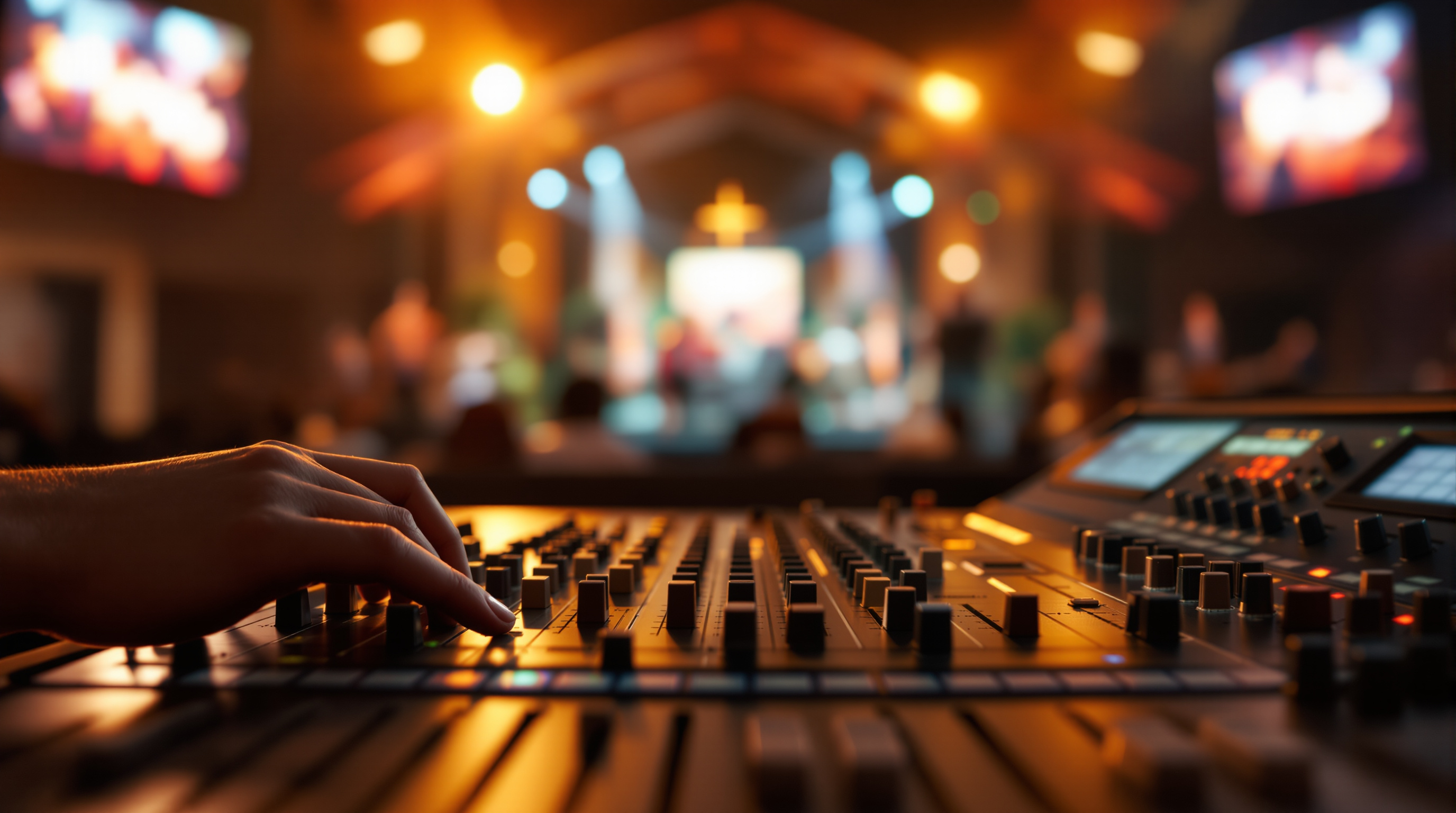
Your church livestream sounds hollow on a phone but fine in the room — here's why, and the no-cost fixes (separate stream mix, mic placement, board feed) that actually solve it.
Walk into most church sanctuaries on a Sunday morning and the room sounds great. You can hear the pastor. The worship band fills the space. Voices feel warm.
Now go home and pull up the same service on your phone. The pastor sounds like he's preaching from inside a closet. The worship band is washed out. Half the time you can hear the air conditioning louder than the bass guitar.
Welcome to the most common problem in church livestreaming, and the one most churches never quite solve: the audio that works in the room is not the audio that works on a phone.
If your livestream looks fine but sounds bad, this post is for you. None of these fixes require new equipment. Most of them are free.
Why "good in the room" doesn't mean "good in the stream"
When you sit in the sanctuary, your ears are doing two things you don't notice. They're separating the voice from the echo, and they're filling in detail from the room around you. Your brain does most of the work.
A microphone doesn't have a brain. It picks up everything in front of it — voices, room reflections, fan noise, the kid in row 4 — and a phone speaker squashes all of that into one tiny output. Anything muddy in the room becomes much muddier on a phone.
That's why churches with $30,000 sound systems still ship hollow, echoey livestreams. The room sounds great. The mic doesn't.
Fixing this is not about buying better mics. It's about feeding the stream a different signal than the room gets.
Fix 1: Send a separate mix to the stream
This is the single biggest upgrade you can make, and on most modern boards it costs nothing.
Almost every digital mixing console used in churches today (Behringer X32, Allen & Heath SQ, Yamaha TF, Midas M32, even smaller setups like the X18 or QU-SB) supports something called a matrix output or an aux mix. In plain English: you can build a totally separate version of the audio for the stream.
Here's the difference:
Main mix (the room): The pastor's mic is quiet because his voice already fills the room naturally. The drums are barely in the system because the kit is loud on its own. The piano is mostly there to add to what the live instrument is already doing.
Stream mix (the broadcast): The pastor's mic has to be the source of his voice — there's no live person in the viewer's room. The drums have to be in the mix because the viewer can't hear the kit. The piano has to be present.
If you're sending the same mix to both, you're forcing one of them to lose. Usually the stream loses.
Ask whoever runs your soundboard whether they have a broadcast mix or matrix output. If the answer is "I don't know," that's your project for next Saturday.
Fix 2: Stop using the camera mic. Ever.
This sounds obvious. It is not. Plenty of churches livestreaming today are using the built-in microphone on a camera or webcam pointed at the front of the sanctuary.
That mic is hearing the room from 60 feet away. It's hearing the HVAC. It's hearing the reverb bouncing off the back wall. It's not hearing the pastor — it's hearing a smeared, room-soaked echo of the pastor.
The pastor's clear voice is already on the soundboard. There is a cable from the soundboard to the streaming computer (or there should be). Use that signal. The rule:
The audio for the stream comes from the soundboard, not the camera.
If you don't have a way to get sound from the board to the streaming computer, that's a $30 cable and a $40 USB audio interface. It will be the best $70 you spend on production this year.
Fix 3: Mic placement matters more than mic price
Most churches overpay for microphones and underpay attention to where they put them.
A $1,500 condenser mic placed three feet from someone's mouth will sound worse than a $100 dynamic mic placed three inches away. Distance from the source is everything. Every time you double the distance, you halve the volume — and you double the room noise relative to the voice.
Practical rules:
- Lavalier (clip-on) mics belong about a hand's-width below the chin, on a solid piece of clothing — not a flowing scarf or a thin shirt that crinkles every time the speaker moves.
- Headset mics belong a finger's width from the corner of the mouth — not in front of it (you'll get popping P's), not at the cheek (thin, weak sound).
- Handheld vocal mics for worship should be 1–3 inches from the singer's mouth. Singers who hold them at arm's length are giving you a thin, room-soaked signal. This is a training issue, not a gear issue.
If you fix nothing else this week, walk the platform on Saturday afternoon and check where every mic is actually positioned. Move them closer. You will hear the difference Sunday.
Fix 4: Treat your worship audio like it's the whole reason people watched
Church streams have two main flavors of audio: the talking and the singing. They need very different mixes.
Talking should sound like one voice in a quiet space. Compressed (so it doesn't jump from whisper to shout), present, with little to no reverb. People watching a sermon on a phone have one job: follow what's being said. Anything that gets in the way of that is the enemy.
Worship music needs the bass and the kick to actually exist in the mix. On a phone speaker, if you cut the low end, the whole song collapses into a tinny mess. Most churches mix worship for the room — where the kick drum is already physically loud and the bass cabinet is shaking the floor — then forget that the stream listener has none of that.
When you build your stream mix, take five minutes to listen on a phone. Not headphones, not studio monitors — an actual phone, held the way someone watches at home. If the sermon is intelligible and the worship has a pulse, you're done. If the sermon is muddy or the worship sounds flat, fix it before next Sunday.
Fix 5: Don't let an algorithm mute the audio you just mixed properly
This one isn't about quality — it's about whether your audio survives at all.
YouTube and Facebook both run automatic audio fingerprinting on every livestream. If your worship band plays a song that's licensed to a major label (think most modern worship — Hillsong, Elevation, Bethel, Maverick City), the platform may automatically mute the audio mid-stream. The viewer hears the pastor pray, then dead silence through the chorus, then the pastor's voice again.
Most churches don't realize this is happening because nobody on the team is actually watching the stream from outside the building during the service. By the time someone reports it on Tuesday, the moment is gone — and so are some of the viewers.
If you want full control over your church's stream — including a guarantee that the worship audio you just spent four paragraphs learning to mix doesn't get muted by a content-matching bot — that's part of why platforms like Fluger exist. Fluger gives churches a branded iPhone and Roku app under their own name (no Apple Developer account, no Roku SDK, no ContentID-style fingerprinting), so the audio you mixed is the audio your members hear.
The honest summary
You don't need new gear. You need to:
- Send a separate mix to the stream.
- Take audio from the soundboard, not the camera.
- Move every mic closer to the source.
- Listen to your stream on an actual phone before Sunday.
- Make sure your platform isn't silently muting the worship.
A church with a clear, present, well-mixed audio stream will out-engage a church with 4K cameras and bad sound, every single time. People will forgive a wide static shot. They will not stay through 45 minutes of a sermon that sounds like it's being preached through a tin can.
Try one of these fixes this week. Listen on Sunday. You will hear it.
If you're rethinking your streaming setup more broadly and want a platform that takes the audio side seriously — branded apps in the official stores, no muted worship songs, no Apple Developer account required — there's a 14-day free trial at fluger.tv/registration. Even if you don't sign up, fix your soundboard mix first. That's the one that actually matters.