05/26/2026
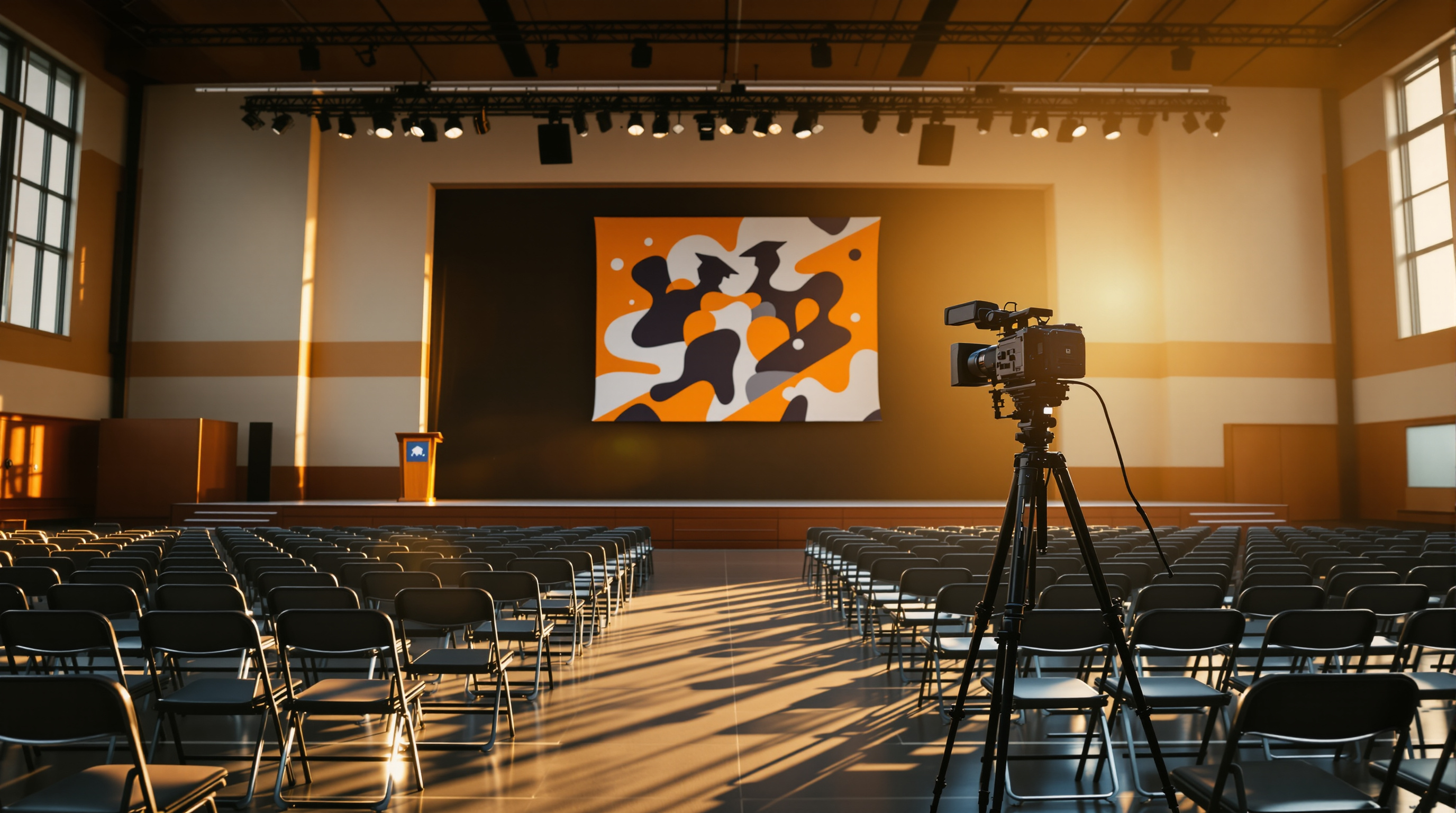
Most schools treat their graduation livestream as a courtesy. For thousands of families, it's the only version of the ceremony they will ever see. Here's what to invest in: audio first, names second, the archive third, and the platform last.
Count the chairs in your gym. Now count the people who can't be in them: the deployed sibling, the grandparents who couldn't fly, the older cousin in finals, the working parent on shift, the family in another country who saved for years toward this moment and still couldn't make the trip. That second number is almost always larger than the first. And it's the audience your graduation livestream is actually built for.
Most schools treat the livestream as a courtesy — a camera on a tripod pointed at the stage, a YouTube link emailed out, a sigh of relief when the recording finishes. That's enough to say you did it. It's not enough to make it good. And good matters here, because for a meaningful percentage of every graduating family, this is the only version of the ceremony they will ever see.
Below is what we'd tell a school media teacher or event coordinator running graduation for the first time — or for the tenth time and quietly wondering why the chat fills up with complaints every June.
The audience is bigger than you think, and you should plan accordingly
Take a moment, before equipment talk, to internalize who is watching. Pull last year's analytics if you have them. Most schools we talk to are surprised by two things: total viewers often exceed in-person attendance by 2–3x, and average watch time is unusually high — sometimes 80%+ of the ceremony. People sit through three hours of name calls because they're looking for one name.
This changes what "good" means. A blurry phone-cam stream is fine when nobody's watching for long. It's not fine when a grandparent in another time zone is staring at a frozen frame waiting for her grandson's row.
The implication: invest where viewers actually feel it. Reliable stream, intelligible audio, name-card timing, a usable archive. Skip the things that look impressive on a quote but don't move the experience.
Audio is more important than video. It's not close.
If you have one hour to fix something on rehearsal day, fix the audio. Viewers will forgive a wide static shot. They will not forgive losing the announcer mid-name. We've seen a five-hour ceremony stream with one camera locked on the stage and zero complaints, because the audio was crisp. We've also seen a beautiful four-camera switch with handheld coverage get savaged in the chat because the announcer's mic was crackly.
Pull audio from the venue's PA mixer. Not the camera mic. Not a phone propped near a speaker. A direct feed via XLR into your encoder or capture device. If your venue doesn't have a board feed available, that's a conversation to have with the AV vendor a week out, not on graduation morning.
Test it during rehearsal with the actual announcer reading actual names. Listen on the same speakers your viewers will use — phones, laptops, a TV. Headphones lie to you.
Names are the whole event
The single moment every family is waiting for is roughly two seconds long: their graduate crosses the stage, the name is read, the handshake happens. Everything you do in the production should serve that moment.
- Get the pronunciation list to the announcer two weeks early. Not the morning of.
- Position a camera with a clear, unblocked view of the stage handshake. This is the shot families screenshot for the rest of their lives.
- Have the announcer pause briefly after each name. The camera operator can't anticipate every step.
- If you have a graphics operator, lower-third the name on screen. Read names get misheard; written names don't.
A school we worked with started lower-thirding names and the parent feedback shifted overnight from "couldn't tell which one was mine" to "we paused on his name and screenshot it."
Treat the recording as the product, not a byproduct
The livestream is the event. The archive is the artifact. Families re-watch it. They send it to relatives. They cut clips for graduation parties. Some watch it again every year.
Two practical implications:
- Record locally to a hard drive in parallel with the stream, even if your platform records in the cloud. Encoders crash. Internet drops. A local backup recording is cheap insurance that costs nothing to set up and saves the day maybe one year in five.
- Make the archive easy to access for months, not days. Don't let the link expire. Don't gate it behind a portal nobody remembers the login for. The grandparent who didn't catch it live should be able to find it in November with a single search of "[your school name] graduation 2026."
Where most schools get the platform wrong
Default platforms — YouTube Live, Facebook Live — are free and easy, and you should know their tradeoffs going in. Both will scan your audio for copyrighted music and may mute parts of your ceremony. If your band is playing "Pomp and Circumstance" arranged from a specific score, or if the processional uses a contemporary song, you can end up with a graduation stream where the most emotional moments are silent. Schools find out about this after the fact, when families ask why the music vanished from the recording.
You also have to decide whether the stream lives on the school's account or a generic third-party feed. For most families, "watch graduation on the school's app" feels different from "click this link that goes to a random YouTube channel." The first feels like the school owns the moment. The second feels like an afterthought.
This is the wedge for branded streaming. Platforms like Fluger let a school launch its own branded streaming app — Roku, iOS, the works — under the school's own name, without the school needing an Apple Developer account or any of the infrastructure normally involved. Audio isn't auto-muted for copyright. Graduations, sports finals, banquets, drama productions, the morning announcements — they all live in one place that parents bookmark once. Whether that's worth it depends on how much streaming you do all year. For a school streaming only graduation, YouTube is probably fine. For a school streaming weekly games and monthly events, a branded home is a real upgrade.
A 14-day window matters more than the gear
If you're reading this in late May and graduation is in a week, you don't have time to overhaul anything. Pick the one change above that will hurt your viewers the most if you skip it — almost always audio — and fix that. Run a rehearsal with the actual announcer. Record a local backup. Get the pronunciation list out early.
Then, after the ceremony, when you're already exhausted and the AV equipment is being broken down, take 15 minutes to write down what you'd change for next year. That note is worth more than any gear purchase. Future-you in May 2027 will thank present-you.
Want to put your school's events behind your school's own app instead of inside someone else's platform? Fluger lets you spin up a branded streaming app for your school in days, not months — no Apple Developer account, no copyright muting on your ceremony audio. Start a 14-day free trial at fluger.tv/registration.