07/13/2026
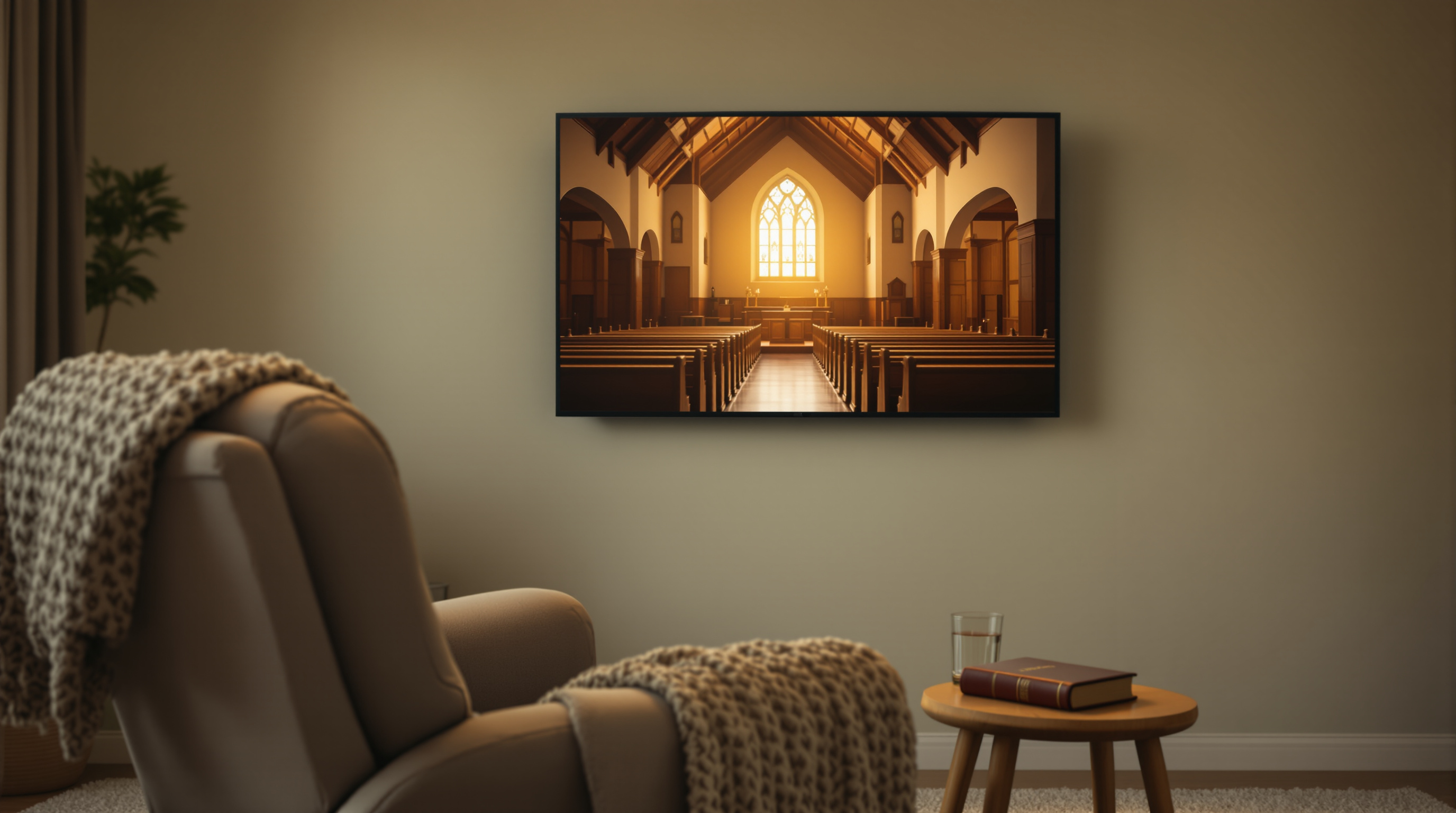
The most loyal video viewers a church has are homebound and long-term-care members — and every sermon delivery path built for phones or websites locks them out. A branded TV app fixes it.
Your most loyal viewer is not the family checking the livestream at 10 a.m. on Sunday. She is the 87-year-old member who watches every sermon of the week — the current one, last week's, the one from three years ago about grief — from her recliner in a nursing home two towns over. She has not physically been in your building in four years. She never misses a service. And she does not show up in a single one of your Facebook Live analytics screens.
That audience — the homebound, the hospice patients, the assisted-living residents, the members recovering from surgery who cannot drive for two months — is the quietest and most devoted video audience your church has. Most churches deliver video to them badly, if at all. Almost every sermon-delivery tool a church picks up in 2026 is built for someone under sixty holding a phone. That is not who is watching the most.
The Audience Your Numbers Don't Show
Here is who tends to consume the most church video, ranked roughly by watch time per person:
- Homebound and long-term-care members — often 5–15 hours per week
- Former members who moved away and still feel connected
- Family caregivers watching alongside a homebound relative
- Casual online-only members
- In-person members who occasionally rewatch
The top group is invisible in most livestream dashboards because the metrics are built for streams and concurrent viewers, not for someone who plays the Wednesday devotional at 3 a.m. because they cannot sleep. Ask any pastor which members send the longest handwritten thank-you notes for the online ministry and the answer is almost always the same: it is the people who cannot come.
Why Your Current Delivery Is Broken for Them
Walk through the actual workflow a typical 82-year-old faces to watch your service today:
- Facebook Live. Requires a Facebook account, still-remembered password, patience with a feed that buries the church page under grandchildren's vacation photos, and the reflex to scroll past auto-playing videos she did not want. Notifications are hostile to seniors: too many, too varied, easy to miss.
- YouTube. Better, but still requires typing a channel URL or navigating a search bar with a phone keyboard. Autoplay drags her from a sermon into a stranger's opinion video ninety seconds after the pastor says amen.
- Your church website's sermon player. Requires knowing the URL, remembering how to get there, dealing with cookie banners, muted autoplay, "play" buttons the size of a pea, and a video that pauses if she accidentally taps the screen. Half the time it demands a browser update she does not know how to install.
- Your church's mobile app. Requires an app store account, a phone that can still run new apps, downloads, updates, and a re-login every few months. The seniors who most need the content are the most likely to still be on a five-year-old phone that cannot install the newest version.
Every one of these delivery paths assumes the viewer is comfortable operating a small screen with a keyboard and account system. That assumption is wrong for the audience that watches the most.
The Screen They Already Know How To Use
Ask the same 82-year-old member how she watches the evening news, PBS, a weather forecast, or her stories. She points to the TV. She uses a remote. The remote has arrows, a big OK button, and a home button. She has been operating that interface for sixty-plus years in one form or another.
Roku, Apple TV, and Fire TV all speak this language. Big tiles. Big buttons. No keyboard. No sign-in every session. A launched app just plays. A remote arrow lands on your church's tile the same way it lands on Wheel of Fortune's — one click and it goes. This is the delivery mechanism your quietest audience is already fluent in. It is also the one almost no church uses.
Getting a branded church app onto Roku used to be a serious engineering project. That is no longer true. A church can now launch a Roku app carrying its own name and logo — Grace Community Church, not a generic aggregator — in a matter of days, and the Apple TV / iOS side can go up without the church having to own an Apple Developer account or manage the developer relationship at all. The homebound member sees "Grace Community" on her home screen next to Netflix and PBS. She hits the arrow. She sees the sermon. Done.
What To Actually Publish For This Audience
The livestream is not enough. A homebound viewer already missed the live one — she was napping, or the aide was late helping her get up, or the internet dropped for eight seconds during the sermon and the replay skipped ahead thirty. What she wants is a channel that always has something worth watching, not a schedule she has to catch.
Concretely, a homebound-friendly channel benefits from:
- A 24/7 rotation playing sermons on repeat, so a member turning on the TV at any hour finds a service already in progress — the way she would find church on the radio.
- A short midweek devotional — three to seven minutes, phone-recorded, no production — from the pastor or a lay leader. This is what she calls her son about the next day.
- Choir concerts, hymn sings, and special music posted as their own items. A twelve-minute hymn compilation gets more replay in a nursing home than a full Easter service.
- Prayer services posted on-demand. The livestream version has a chat window and a subtle expectation to participate. The on-demand version lets her pray along without feeling watched.
- Occasional check-in videos shot on a phone by the visitation pastor, filmed inside the sanctuary or empty chapel. Fifteen seconds of "we miss you" from a place she recognizes lands harder than any push notification.
Notice what is missing from that list: high production values. This audience does not care whether the color grading is right. They care whether the pastor's voice sounds like the pastor's voice and whether the volume level is stable.
What It Costs You To Skip This
Every church has stories about a homebound member who left an estate to the church nobody knew still felt connected. Those members are still watching. They tell their families where to send the memorial gifts. When the video ministry to homebound members works, families notice — and they become the next generation of givers. When it does not, the whole video program starts to feel like it is for other churches' millennials, and the congregation quietly disengages.
The uncomfortable truth about copyright and platform behavior also lands hardest on this audience. When a hymn triggers a ContentID mute on YouTube or Facebook, the confused person is not the audio engineer — it is the 79-year-old who now cannot hear "How Great Thou Art" at the memorial for someone she knew for fifty years. Owning your own channel takes that problem off the table entirely. There is no third party silently editing what your homebound members are allowed to hear.
Where To Start
Pick one homebound member this week. Ask their family whether the person still uses a smart TV, a Roku, or an old cable box. Ask which apps they open on their own. That answer tells you exactly which platform to publish to first. Everything else — the 24/7 channel, the midweek devotional, the choir library — grows from there.
If the church wants to test what a branded Roku app under its own name would look like for exactly this audience, the free trial at fluger.tv/registration is fourteen days, no Apple Developer account required, and the setup takes an afternoon rather than a quarter. The homebound member does not need to be told anything technical. She just needs to see her church's name on the same home screen she already uses.