05/19/2026
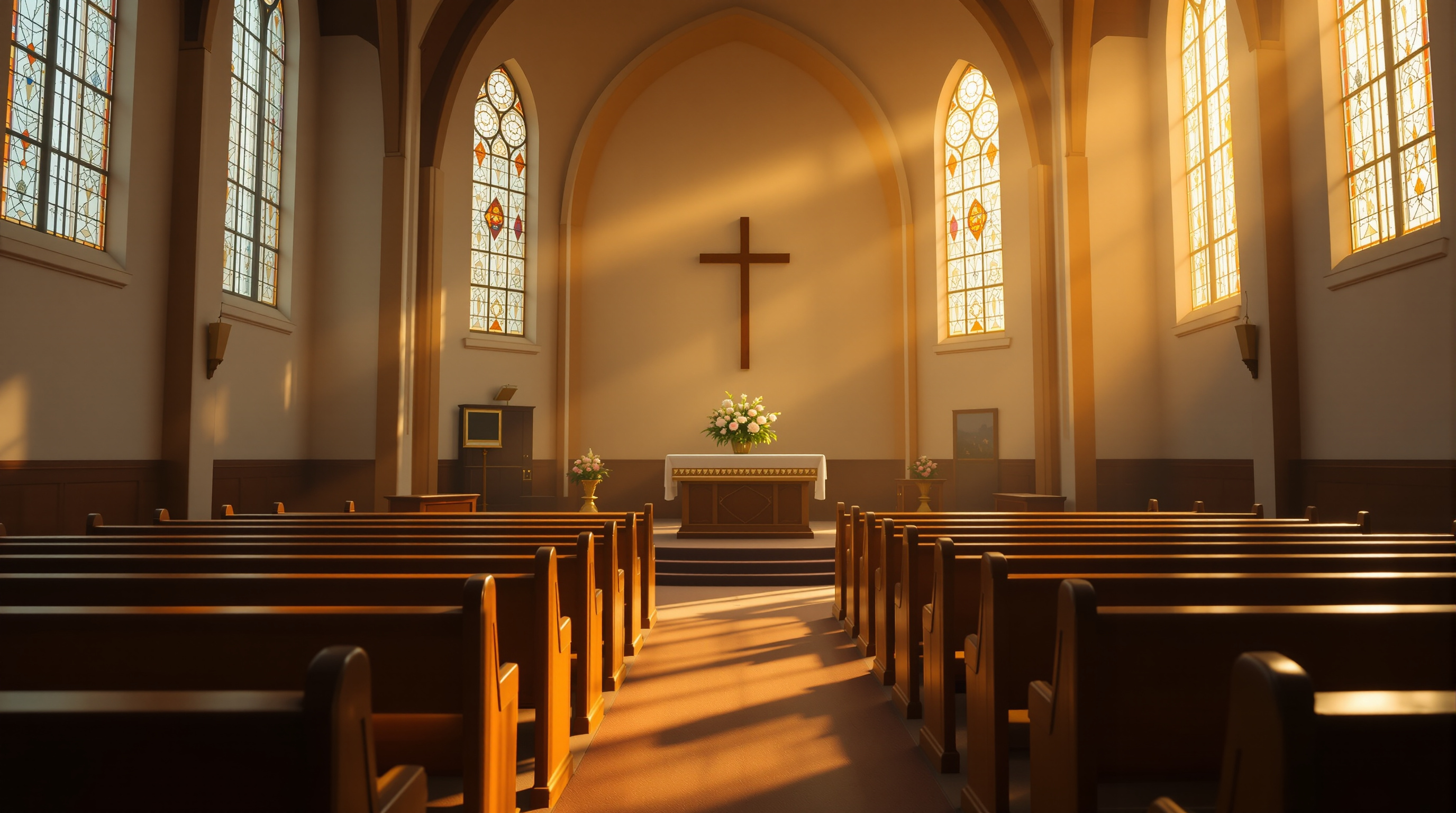
A pastor will get this call. Someone's loved one has died, the service is Friday, and a sister in another state can't fly in. Here's a practical playbook for streaming a funeral with dignity — gear, audio, privacy, ContentID, and the recording that matters more than the live view.
A pastor will get this call. A family in your church has just lost someone. The service is on Friday. The deceased's sister lives in another state and can't fly in. The grandkids are in college three time zones away. Someone — usually the family, sometimes the funeral director — asks if you can livestream the service.
If the answer is "uh, let me check," you've already put extra weight on a grieving family. So let's get ready for that call now, while no one is crying in your office.
The good news: streaming a funeral is genuinely simpler than streaming a Sunday service. There's no worship band, no light show, no rotating volunteer roster. One camera in the back, one good microphone on the officiant, and a private link sent to about thirty people. That's the whole job. Where churches get it wrong is not the gear — it's the small decisions around dignity, privacy, and who's actually responsible.
A Funeral Stream Is Not a Sunday Service
If your Sunday livestream has three cameras, lower thirds, and a switcher operator, your instinct will be to bring all of that to a funeral. Don't. A funeral stream should feel still.
Fixed wide shot from the back or center of the sanctuary. Frame it once, lock it down, and leave it. No pans. No zooms. No cuts to a tight shot on the casket — that one is non-negotiable. The remote viewer is mourning at their kitchen table; the last thing they need is a director's cut.
The room is also acoustically harder than Sunday morning. Hushed voices, small choir, no full band masking the noise floor. Don't try to capture room sound with a camera mic. Run a lavalier on the officiant and, if there are eulogists, hand them the same lav or a wireless handheld. Intelligibility is the entire game. If the brother giving the eulogy can't be heard clearly by the family on the stream, you have failed at the only thing that mattered.
One Camera, One Mic, One Operator
Here is the actual gear list for a competent funeral stream at most churches:
- One camera on a tripod, wide enough to frame the front of the sanctuary including the casket or photo, the lectern, and the officiant. Any modern PTZ or even a decent camcorder works. A clean HDMI-out DSLR works. A laptop webcam does not.
- One lavalier or wireless handheld feeding the same audio chain as your Sunday service. If the funeral home is bringing their own mic for the officiant, ask if you can get a split or a feed into your board — don't fight them.
- One streaming encoder, exactly the same one you use Sunday. Don't introduce new software for a funeral.
- One operator who is not a family member.
That last bullet is the one churches blow most often. The grieving daughter is not your streaming volunteer this week. Tap someone who attended the service maybe twice and is technically competent. Their job is to start the stream fifteen minutes early, sit quietly in the back, monitor that audio meters are moving, and stop the recording after the family files out.
Who Gets the Link
This is where a lot of churches default to "stick it on YouTube" and create real problems.
Funerals are private events. The family may not want strangers, ex-spouses, estranged relatives, or random scrollers landing on the service. Public YouTube is the wrong default. The right defaults are:
- An unlisted or password-protected link the family forwards to the people they want present.
- An in-app stream on the church's own platform, where viewers have to know where to find it.
- A scheduled, time-limited link that goes dark after the burial.
Ask the family in advance: do you want this to be searchable? Most will say no. A few — especially for long-time community figures — will want it open. Default to private unless asked otherwise.
One small thing: if the deceased's ex-spouse or an estranged child sent a card but wasn't invited to the service, the family may very specifically not want them watching live. Honor that. "Unlisted on YouTube" is not actually private — anyone with the link can share it. A platform where the family controls access matters here.
The Music Problem No One Warns You About
Here is the part that bites churches mid-service: hymns and worship songs.
If you're streaming to YouTube or Facebook, their copyright bots — ContentID and Rights Manager — will scan the audio in real time. When the soloist sings "Amazing Grace" or the organist plays "How Great Thou Art," there's a real chance the bot matches the recording, mutes the audio for fifteen seconds, or yanks the stream entirely. At a Sunday service that's an embarrassment. At a funeral it is devastating. The widow's sister, watching from across the country, hears her own husband's favorite hymn cut to dead silence.
You have two real options. Either pre-clear every piece of music with the platform's licensing tools (slow, often incomplete, won't cover live performance correctly), or stream on infrastructure that doesn't run ContentID against your service in the first place.
This is one of the reasons we built Fluger the way we did. There is no ContentID muting on Fluger streams — the hymn plays through, the eulogy plays through, the recording stays intact. For a Sunday service that means your worship set doesn't get nuked mid-chorus. For a funeral it means the family gets the service they actually planned.
After the Service Is Half the Job
For Sunday morning, the live view is the point. For a funeral, the recording is the point.
Most of the people who will watch a funeral stream don't watch live. They watch the next day, or the next week, when they're alone and ready to grieve. The cousin who was driving across the country during the service. The aunt in hospice care. The friend who couldn't bring themselves to log in on Friday morning.
Make sure your stream automatically saves a clean recording — same camera, same audio, no platform compression artifacts if possible. Give the family a private replay link they can share for at least ninety days. Offer them a downloadable MP4 if they ask. A lot of families will want to keep a copy.
One last thing: don't post the recording publicly on the church YouTube channel afterward, even if the live stream was public. Ask the family. They may want it taken down once the immediate circle has watched. That is their call, not the media team's.
The Pre-Game Conversation
When a family calls about streaming a funeral, take five minutes on the phone or in person and walk through these questions:
- Who do you want to be able to watch — invited only, or open?
- Is there anyone you specifically don't want to have the link?
- Do you want the service recorded, and for how long?
- Are there hymns or recorded music being played?
- Will you have someone who can text us the link list, or do you want us to handle distribution?
Then assign a competent volunteer who isn't grieving, run a five-minute audio check before the family arrives, and let the rest of your team focus on the people in the room.
That's the whole playbook. It's not technical. It's pastoral, executed with a camera in the back.
If your church needs a streaming setup that handles funerals, weddings, and Sundays without copyright bots cutting the audio — and that puts your services inside your own branded iPhone, Android, and Roku app instead of a public feed — start a 14-day free trial at fluger.tv/registration. No Apple Developer account required, no per-stream fees, no surprises in the middle of a service that mattered.