06/17/2026
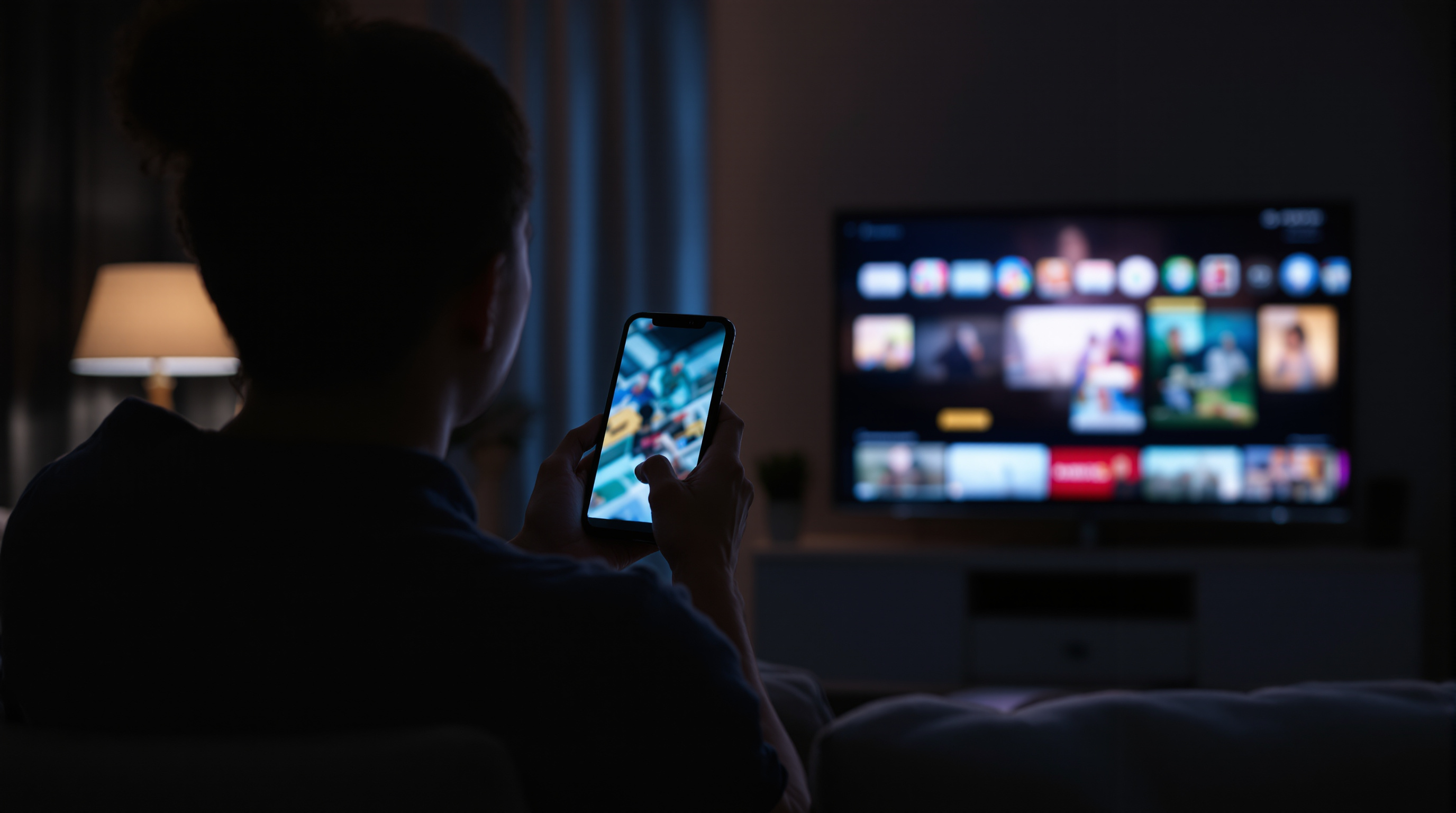
Your We're live push notification is the single most valuable customer touchpoint your streaming app has — and most operators fire it at the wrong moment, with the wrong copy, to the wrong segment, with the wrong deep link, and never look at the numbers. Five mistakes, all fixable.
Your "we're live" push notification is the single most valuable piece of marketing your streaming app will ever send.
It's also the one most operators fumble.
Every other channel you have — email lists, social posts, website banners, in-app schedule cards — sits between you and your audience asking for attention. The push is different. It lands on the lock screen of someone who already cared enough to install your app. They opted in. They're holding the phone. You have roughly four seconds and one tap to turn that into a viewer.
Most apps waste it. Here's the pattern I see across churches, yoga studios, schools, music venues, podcasts, and civic broadcasters — the operators are all making the same five mistakes, and the fix is mostly free.
Mistake 1: The push fires the moment the stream goes live
The intuitive flow is: hit "Go Live," app notifies users, users open the app, viewers show up.
The actual flow is: hit "Go Live," push fires within ten seconds, half your audience is doing something that takes another two to fifteen minutes to wrap up, and by the time they free up, the moment has passed.
A "we just went live" push at T+0 is functionally a notification that the train left. It works for the small fraction of viewers who happened to be available at that exact second.
The version that works on every platform I've watched is two pushes:
A scheduled push at T-10 minutes that says "we're going live in 10 minutes" — this is the one that gets your phone-in-hand audience to actually walk over to the couch, find the remote, open the app on the TV. Then a second push at T+0 confirming you're on.
If your platform only supports one push, send the T-10. The T+0 is the redundant one.
Mistake 2: The notification is generic
"Live now" is not a hook. Neither is "We're streaming." Neither is the literal channel name with no other content.
The push has to answer the question your viewer's brain asks in the half-second they look at it: why should I tap this instead of what I'm doing right now?
The answer is content-specific. Not "Sunday Service is live now" — "Pastor Mark on Romans 12. Live now." Not "Yoga class starting" — "Heated vinyasa with Sarah. Starts in 10." Not "Tonight's show" — "Brittany Howard, full set, live from the room."
The vertical doesn't matter. The principle is universal: the push body has to do one thing well, which is preview the content specifically enough that someone deciding between you and Netflix has a reason to pick you.
Mistake 3: You push everyone, every time
The fastest way to lose your push opt-ins is to send the same notification to every user every time you go live, especially if you stream more than once a week.
Churches with daily prayer streams, fitness studios with eight classes a day, podcasters going live twice a week, music venues with shows every Friday and Saturday — all of these tip into "notification fatigue" territory after about six unsegmented pushes per week. Users don't unsubscribe. They tap "Don't allow" in iOS settings. That decision is much harder to reverse than they realize, and you never know it happened.
Segmentation doesn't have to be complicated. The two splits that get you most of the value:
By content type — your 6am morning prayer audience is not your Sunday service audience. Your power yoga regulars are not your restorative class regulars. Let people pick which streams they want pushed.
By engagement — if a user hasn't opened the app in 60 days, send fewer pushes, not more. Hammering a dormant user with daily "we're live" notifications is the fastest path to a force-quit and uninstall.
iOS 26's "Reduce Interruptions" and Android's notification channels both already give users finer-grained controls. The platforms that respect those controls keep their opt-ins. The ones that route around them lose access permanently within months.
Mistake 4: The deep link is wrong
Tap the push. What happens?
For about 40% of branded streaming apps I've tested, the answer is: the app opens to its home screen, the user sees the schedule grid or the featured row, has to find which row contains the live stream, taps it, lands on a detail page, taps Play again.
That's four taps and visual scanning between "I wanted to watch" and "video playing." A nontrivial percentage of users bail somewhere in that flow.
The push has to deep-link directly into the live player. Tap notification → video starts playing. No intermediate screens. No "Are you sure you want to watch?" prompt. The user already said yes by tapping the push.
This is a 30-minute engineering task most apps just haven't prioritized. If your app already supports universal links, you almost certainly already have the route to a player; you just have to wire your push payload to use it.
Mistake 5: You never measure what happened
Push notifications give you free analytics most teams ignore.
The numbers you should know after every live broadcast:
- Sent — how many devices received the push
- Tap rate — what percentage opened the app from the notification
- Player-start rate — of those who tapped, how many actually started watching
- 15-minute retention — of those who started, how many were still watching 15 minutes in
If your tap rate is under 4%, the body copy is wrong (Mistake 2) or your timing is wrong (Mistake 1). If your tap rate is fine but player-start is under 80%, your deep link is broken (Mistake 4). If everything looks great until 15-minute retention, your stream itself has a problem — audio quality, video buffering, content pacing.
You can run this whole diagnostic from any reasonable analytics tool. The point is to actually look at the numbers, weekly, and let them tell you which mistake is costing you viewers this month.
What this looks like in practice
Take a church streaming Sunday service to a branded Roku and iOS app. Service starts at 10:00 AM.
The push schedule looks like:
- Saturday 6 PM — segmented push to "Sunday service" opt-ins only: "Tomorrow at 10: 'Restored in the Wilderness' from Pastor Mark." Deep-links to the upcoming-event card.
- Sunday 9:50 AM — segmented push to same audience: "Service starts in 10. Tap to watch on phone or open the Roku app." Deep-links to the live player (which shows a "starting soon" card until 10:00).
- Sunday 10:00 AM — short confirmation push only to users who haven't already tapped the 9:50 one: "We're live." Deep-links to player.
Three notifications, two segments, three deep links, all the same content event. Compare that to the alternative of one "Sunday Service is now live!" push fired at 10:00:03 AM to every user — including the ones already watching on the TV in the next room.
The principle is the same whether the live event is a yoga class, a city council meeting, a touring artist's set, or a school board hearing. Push notifications are the most attention-rich channel you have. Use them like surgical instruments, not like a megaphone.
One more thing
The reason most branded streaming apps don't do any of this isn't laziness — it's that the platforms they're on don't make it easy. Scheduled pushes, segmented audiences, deep links into the player, post-broadcast analytics: any single one is straightforward; getting all of them in one place often isn't.
If you're looking at building or replatforming a branded Roku and iOS app and you don't want to assemble this out of three vendors, Fluger publishes the app under your own name (no Apple Developer account on your side), handles the push infrastructure, and gives you the segmentation and analytics layer in the same dashboard. The 14-day free trial is enough to wire up a live event, send the three pushes above to a test segment, and see the tap-through numbers before you commit to anything.
The deeper point applies whatever platform you end up on: your "we're live" push is the single most important customer touchpoint your app has. Treat it like one.