05/17/2026
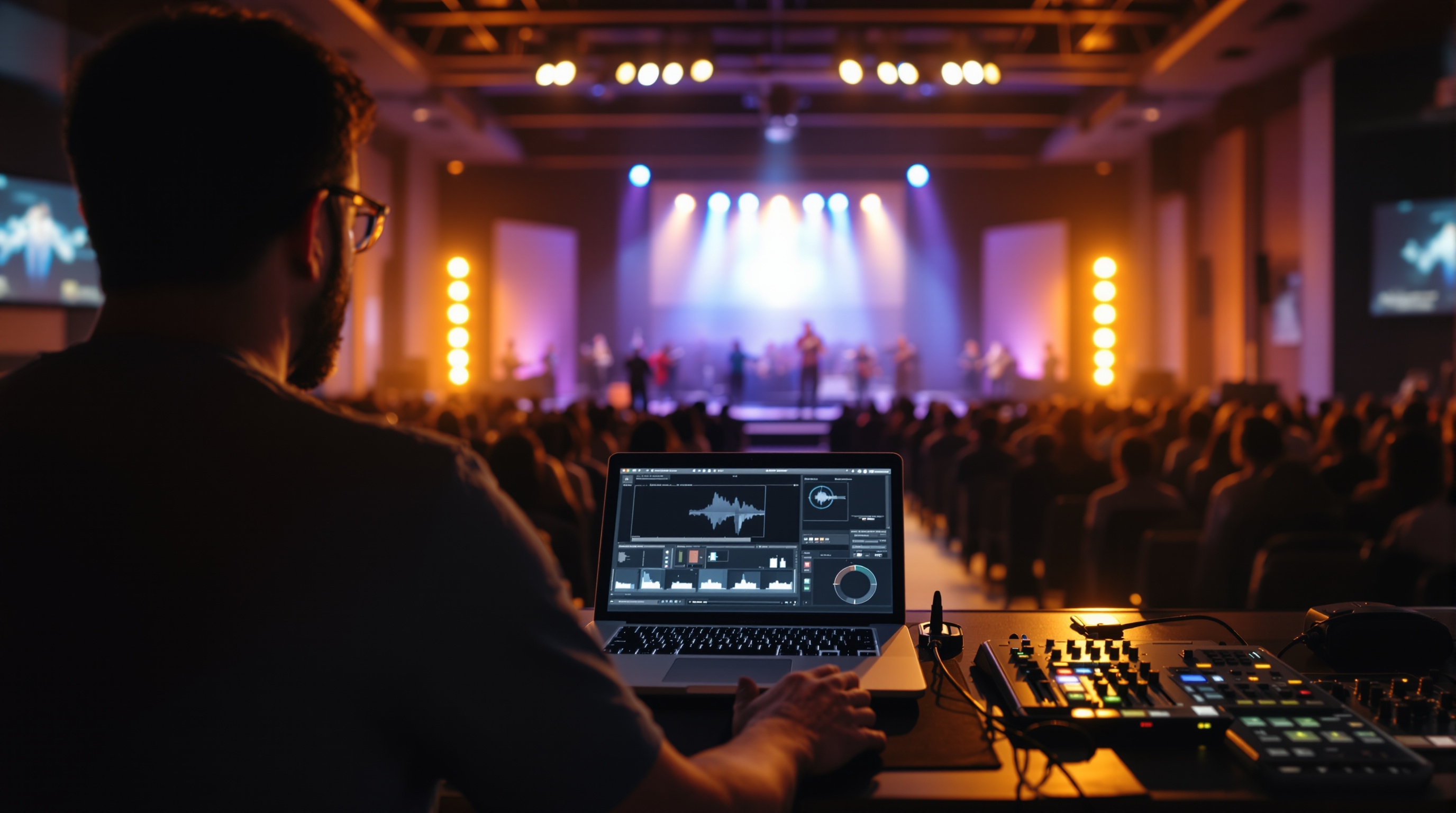
Your in-person congregation sees lyrics, scripture references, and speaker names on the front-of-house screens. Your online viewers see none of it — they just get a camera angle. Here's the simplest fix, plus the bigger move when you're ready.
Walk into your sanctuary on a Sunday morning. Look up at the screens. You'll see worship lyrics scrolling in sync with the band, scripture references during the sermon, the next slide for that visiting missionary, sometimes a little graphic with the speaker's name. Now open your church's livestream on your phone from the parking lot. None of that is there.
Most churches don't notice this. Why would you? You're in the room. The people in the room have the screens. But for the 30, 200, or 2,000 people watching at home, you've just handed them a single camera angle of a stage, with no idea what song is playing, what verse the pastor just quoted, or who is even speaking.
This is the most fixable problem in church streaming, and almost nobody fixes it.
Why This Happens (And Why It Matters)
When churches built their streaming setup, they built it to capture what's on the platform. A camera in the back, an audio feed off the board, hit go. Done. But the screens on either side of your stage — the ones running ProPresenter or EasyWorship or whatever — those aren't getting captured. They live in their own little world, projected onto the wall, doing their job for the people in the room.
Online viewers get the audio. They get a view of the stage. They get nothing else.
The result: a worshiper at home can't sing along because they don't know the words. A first-time visitor watching from a coffee shop has no idea what passage you're preaching from. The person you're trying to reach can't tell if the pastor is the lead pastor, a guest speaker, or the youth intern filling in.
You'd never let that happen in the room. You shouldn't let it happen online.
The 20-Minute Fix: Lower Thirds
A lower third is the strip of text that appears across the bottom of a video. Like the captions on the news that say "Jane Smith, Mayor of Springfield." That's a lower third.
For a church stream, you want lower thirds for at least:
- The speaker's name and role ("Pastor Mark Lewis, Lead Pastor")
- The scripture reference, when the pastor reads it ("Romans 8:28")
- The song title and CCLI number, when a new song starts
- The next event or announcement ("Youth Group, Wednesday 7 PM")
You don't need fancy software. Most streaming tools — OBS, ECamm Live, the dashboard from your streaming provider — let you build a basic lower third with text and a colored bar. Pick a font, pick two colors, keep it simple. White text on a dark band reads on almost any screen, including phones.
The trick is having someone run them during the service. Which brings us to the next part.
Who's Going to Push the Buttons?
The honest answer: somebody has to. This is where most churches stall.
The good news is it can be the same volunteer running your existing slides. If they're already pulling up the right lyric slide as the band hits the chorus, adding a lower third with the song title and CCLI number takes them ten seconds at the top of the song. Same with sermon points or scripture refs — they're already advancing the slide, they can fire an overlay at the same time.
If you're tight on volunteers, do less, but do it well. Two lower thirds done right beats fifteen done sloppily. Start with these:
- Speaker name during the welcome and the start of the sermon.
- Scripture reference whenever the pastor reads a passage.
That alone closes most of the gap. Don't try to overlay every announcement, every prayer prompt, every offering reminder. Visual clutter on a small phone screen is worse than nothing.
The Bigger Move: Capture Your Front-of-House Screens
If you have a little more budget and a little more time, the cleaner fix is to capture your in-room screens directly into the stream. This usually means an HDMI splitter on the output of your ProPresenter computer (or whatever you use), feeding into a small video switcher alongside your camera feed.
Now your stream can cut to the lyric slide during worship, show the scripture during the sermon, and the in-room and online experiences finally look like the same service. Because they are.
This is more work than lower thirds. It requires a switcher and someone who knows how to cut between sources. It also requires you to think about how your slides look on a 6-inch phone screen — those huge background photos behind tiny lyrics may look amazing in the sanctuary and unreadable at home. You may need a second, simpler slide template for the stream output.
Either approach is fine. The point is: stop streaming a single camera angle and calling it church online.
And While You're At It: Where Does That Stream Actually Live?
There's another version of this same problem nobody talks about. Most churches stream to YouTube or Facebook, which means the person watching is on YouTube or Facebook. They're surrounded by recommendations for other channels, other content, other anything. Your sermon is one thumbnail in a sea of distraction. And when they want to come back next Sunday, they have to remember to search for your church by name and hope the algorithm cooperates.
If your members already own a Roku or an iPhone, your church should be on those devices under your own name and logo — not buried as a YouTube playlist. That's part of why we built Fluger: every church gets a branded iPhone app and a Roku channel listed under the church's own name. No Apple Developer account paperwork, no ContentID muting your worship songs in the middle of a chorus, and a 14-day free trial so you can see if it actually works for your congregation before you decide anything.
But even if you never sign up for Fluger, the principle holds: a livestream isn't just the camera. It's also where it lives, what it looks like once it gets there, and whether the person watching can find their way back to it next week.
A Practical Starting Point for This Sunday
You don't need to fix all of this at once. Pick the smallest visible thing and ship it next service:
- Build one lower third with your senior pastor's name and title.
- Have your slides volunteer turn it on once, when the pastor steps up to preach.
- Turn it off when the sermon starts.
That's it. One small thing. Next week, add the scripture reference. The week after, add a song title at the top of worship.
By the end of the summer, your online stream will look like a real production instead of a forgotten camera in the back of the room — and the people watching from a hospital bed, a hotel, or a backyard three time zones away will finally feel like they're actually at your church.
If you'd rather skip the YouTube-in-a-sea-of-cat-videos problem entirely and put your church's own app on people's TVs and phones, you can start a 14-day free trial at fluger.tv/registration.