05/24/2026
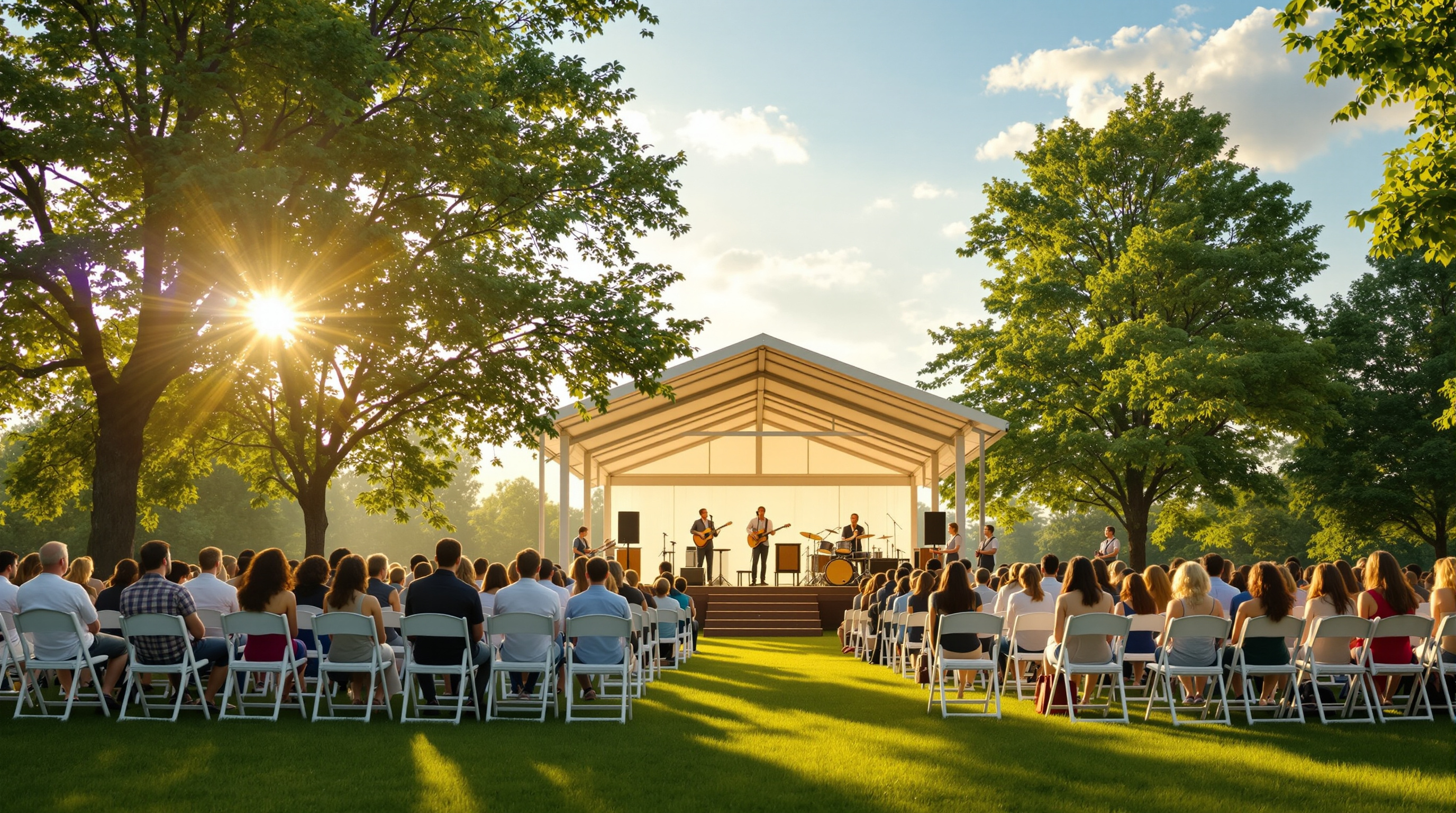
Outdoor summer services are great in person and brutal on the livestream. Here is the no-nonsense plan: one camera, clean board-feed audio, internet you actually trust, and how to avoid getting your patriotic worship songs muted by YouTube's ContentID bot.
Memorial Day weekend is when half the churches in America move the chairs onto the lawn. The pavilion comes out, the band sets up under it, the kids run barefoot through the grass, and the whole congregation gets a glimpse of what worship felt like before the building. It's wonderful. It is also, almost without exception, the worst-looking livestream of the year.
The reason isn't that outdoor services are unstreamable. It's that the team has spent two years getting good at one room — the sanctuary — and now nothing about that room applies. The camera that looked great is squinting into the sun. The audio that came clean off the board is now picking up a leaf blower from the neighbor's yard. The Wi-Fi router that has never failed is sitting forty feet of brick wall away from your phone. The whole stack collapses, and it collapses live.
If your church is doing outdoor services this summer — Memorial Day, Fourth of July, mid-July campout, or a full "Summer on the Lawn" series — here's what actually matters. None of this requires new gear. Most of it requires planning a Tuesday before the Sunday.
The Three Things That Will Kill Your Outdoor Stream
There are dozens of small problems outdoors. There are three big ones. If you handle the three, you can survive the small ones.
Sun on the lens. Modern cameras automatically expose for what they see. If half your frame is bright sky and the other half is your worship leader, the camera will average those out and your worship leader becomes a silhouette. People at home see a black cutout singing about grace. Solve this by putting the camera where the sun is behind it, not in front of it. If that's impossible because of where the stage is, lock your exposure manually on a face, not on auto.
Wind on the microphones. Wind is the single most destructive force on outdoor audio. A small breeze that you don't even feel will sound like someone slapping the mic with their hand. Every microphone outdoors — every single one — needs a foam windscreen at minimum, and ideally a "deadcat" furry cover for anything that's not directly under the pavilion. Twenty dollars per mic, total. It is non-negotiable.
No internet. Your church Wi-Fi is in the building. You are not in the building. Walk to where the camera is going to be and try to load a video on your phone. If it stutters, your stream will die. Either run a long Ethernet cable to the camera location (boring but works) or use a phone hotspot from the strongest carrier in your area. Test it during the same time of day as the service — cell networks get congested differently at 10 a.m. than at 7 p.m.
One Camera, Done Right, Beats Three Cameras Done Wrong
A lot of churches try to "upgrade" for the outdoor service. They borrow a second camera, run a long HDMI, set up a switcher in a tent. By the time the service starts, three volunteers are sweating and one cable has already come loose.
Don't. Take your best camera, put it on a tripod about fifteen feet back from the stage, frame a medium-wide shot that includes the worship leader, the band, and a sliver of congregation on the edge, and leave it there. No zooms, no pans. The outdoor service is a vibe, not a TV broadcast — people watching from home aren't expecting cuts. They're expecting to feel like they're sitting on the grass with everyone else. A locked, well-exposed wide shot does that better than a frantically switched multi-cam.
If your camera is a DSLR or mirrorless, bring two batteries. Outdoor heat eats batteries faster than indoor air conditioning. Plug the camera in if you can. If you can't, label the spare battery and put it within arm's reach of whoever is running camera.
Audio Is the Whole Game
Online viewers will forgive a wobbly shot. They will not forgive bad audio. The instinct outdoors is to point a shotgun mic at the stage and hope. Don't do that.
Take a feed from the front-of-house mixing board, the same way you do indoors. If you're worried about how that sounds outside (it's drier, less reverb than indoors), you can mix in a tiny amount of a small "ambient" mic placed about twenty feet from the stage, just to add a sense of being-there. Eighty percent board feed, twenty percent ambient. That's it.
For the preacher: a wireless lavalier, with a windscreen, clipped inside the collar if it's a windy day so the fabric blocks gusts. If your preacher always uses a handheld, fine — just make sure the windscreen is on. Test it by walking past the mic and breathing hard near it. If you can hear your breath, the audience will hear every breath of every prayer.
The Patriotic Song Problem No One Talks About
This part is specific to the next two months. Memorial Day, Flag Day, Fourth of July services almost always include patriotic songs — America the Beautiful, My Country 'Tis of Thee, Battle Hymn of the Republic, sometimes God Bless America or a tribute to the armed forces. If your church streams to YouTube or Facebook, here is what is going to happen: you will play one of those songs, the platform's automated copyright system will match it to a commercial recording in its database, and either the audio for that song will be muted on the replay, or the whole video will get a copyright claim, or in the worst case the stream will be cut mid-service.
This is not a bug. It's how those platforms protect their licensing deals with major labels. America the Beautiful sung live by your worship team is not infringing on anything — but the algorithm doesn't know that. It hears the melody and reaches for the kill switch.
Three real options:
- Skip those songs in the livestream version (sing them in person, cut to a hymn that won't trigger anything before the song starts online). Awkward but works.
- Pay for a CCLI streaming license and a separate sync license for the specific recordings, and pray YouTube's bot honors it. Expensive and unreliable.
- Stream somewhere that doesn't run a content-matching bot at all.
Fluger is option three. We built the platform specifically so churches don't get punished for singing the songs the church has sung for two hundred years. No ContentID, no automated muting, no Sunday-morning copyright claims. If "we sang the national anthem and our whole service got pulled" is a sentence you don't want to say to your senior pastor on a Monday morning, that's the reason a lot of churches move their summer stream off YouTube.
What "Going Live Outdoors" Looks Like the Day Of
A short list, because Sunday morning is not the time to read a long list:
- Camera up, sunshade on the lens, exposure locked on a face on stage, battery full plus a spare.
- Board feed running to the camera or encoder, windscreen on every mic that's not under the pavilion, lav tested against wind.
- Internet tested at the camera location in the last 24 hours. Backup hotspot powered on, even if you don't think you'll need it.
- Stream started ten minutes before service, with a slate or a wide shot of the empty lawn so viewers see something stable when they tune in early.
- One volunteer assigned to only watch the stream on a phone, sitting in the back, ready to wave at you if it dies.
That last one matters more than any piece of equipment. Outdoors, everything has a higher chance of going wrong, and the camera operator is the last person who'll notice — they're looking through the viewfinder, not at the audience's screen.
A Last Word
The point of the outdoor service is that it doesn't feel like a TV studio. The point of the livestream is that the people who couldn't be there still feel like they were on the lawn. Those two goals don't fight each other if you keep it simple. One good camera, clean audio, internet you trust, and a platform that won't punish you for singing.
If you're rebuilding your church's stream this summer and the ContentID muting on your current platform is the part you're most tired of, you can spin up a Fluger account in about a weekend — branded iPhone and Roku apps listed under your church's name, no Apple Developer account required, 14-day free trial. Start at fluger.tv/registration.
The chairs go on the lawn this weekend. The stream goes with them.