05/21/2026
·
3 min read
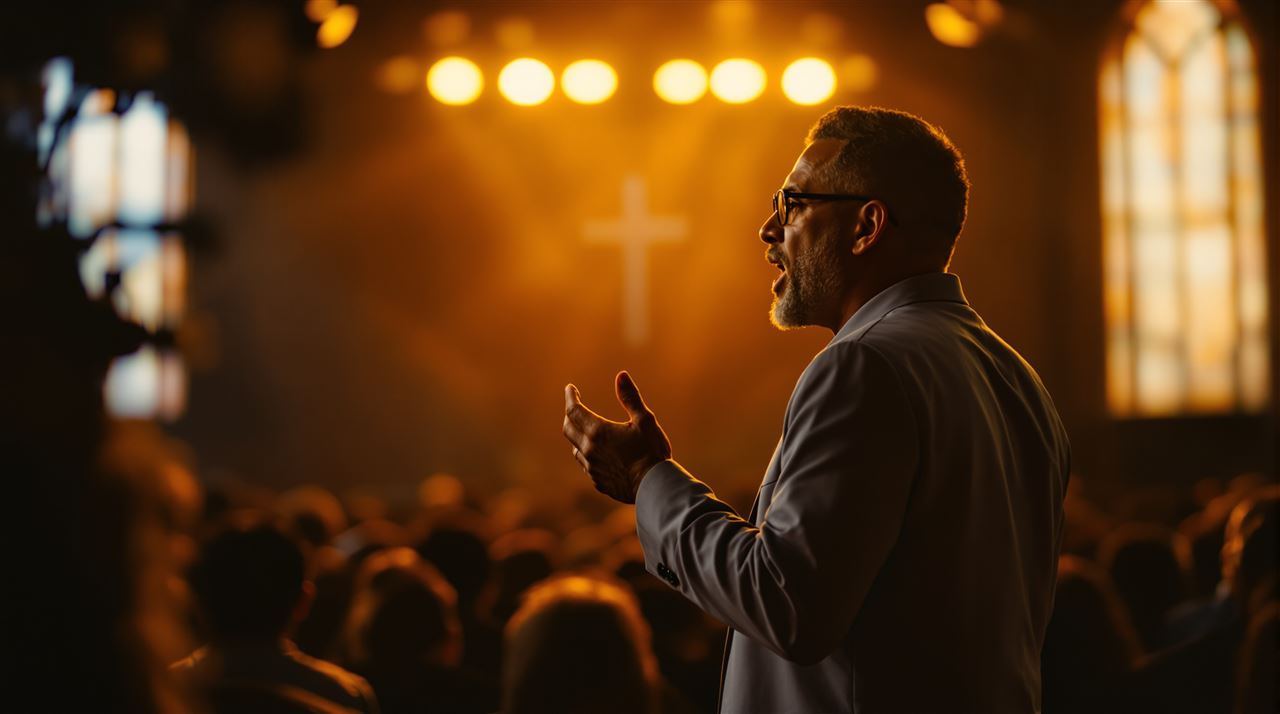
Your sermon delivery is built for a room. Sweeping eye contact, big gestures, projecting to the back wall. The camera flattens all of that.
Watch the recording of last Sunday's sermon back at 2x speed with the sound off. Don't argue, just do it. You'll notice three things.
You looked at the front pew about forty times. You looked at the camera maybe twice.
You did the thing where you walked to one side of the stage during a key point, putting half your stream viewers behind your shoulder.
The two best lines of your sermon were delivered to the back wall.
This is not a criticism of your preaching. Your preaching, in the room, is probably excellent. The problem is that everything you've trained yourself to do as a preacher — sweep the room, find the eyes in the back, project to the corners — was built for a 200-seat sanctuary, not a 6.1-inch screen on someone's kitchen table.
The room hears you fine. The camera doesn't.
The Camera Is a Real Person. Treat It Like One.
Here's the mental shift that fixes 80% of on-camera preaching: every time you find the lens, you're making eye contact with a specific person.
Pick one. A homebound member from your church. The college kid who's drifting. The mother-in-law of the family that just moved across the country. When you look at the camera, you're looking at them. Not "the audience." Them.
Once you frame it that way, two things change. First, you'll actually look at the lens for more than a half-second flick — you'll hold it the way you'd hold a friend's gaze across a kitchen table. Three to six seconds is the sweet spot. Less and it reads as nervous; more and it reads as a hostage video.
Second, you stop performing for the camera and start talking to it. There's a difference. You can hear it in the recording.
Map the Camera Before You Walk Up
Most pastors don't actually know where the livestream camera is until they're already preaching. Then they wing it. This is fixable in about 90 seconds before the service starts.
Walk up to the pulpit. Look around. Find the camera. Note two things: the center line directly between you and the lens, and the dead zone — where you, the stage cross, or a music stand will block the shot.
If you move around when you preach (and most pastors do, it's not a sin), pick three "preaching positions" and rotate between them. None of them should be more than 15 degrees off the camera's center line. Pacing back and forth across a 30-foot stage looks fine in the room and frantic on a 16:9 frame. Two steps in either direction is plenty.
If you only have one fixed camera, the rule is even simpler: don't leave the frame. Volunteers shouldn't be panicking and panning during a sermon. Make their job easy.
Drop the Theatrics by About 20%
Here's a hard one to hear: the booming, hand-on-pulpit, sweat-on-brow delivery that lands in the room often reads as overcooked on camera. The lens flattens energy. What feels like a 6 on stage reads as a 4 on screen.
This doesn't mean preach dry. It means dial it back by about 20%. Slow down half a beat. Let pauses breathe. Use your hands closer to your body — wild sweeping gestures land at the edges of the frame and look chaotic to anyone watching from a phone.
A good test: if you watch the playback and feel like you were a little restrained, you probably hit it right. If you watch and think "yeah, that's exactly how it felt in the room," you were probably too big for the camera.
The pastors who land best online are the ones who feel a little quieter than usual. The intimacy of someone preaching from a phone screen is part of why people stay tuned in. Don't fight it.
Treat the Microphone Like a Trust Fall
If your stream sound is bad, none of the above matters. The single most common reason online viewers click away within 90 seconds is audio they have to strain for.
Three things, in order of impact.
Use a lapel or headset mic, not the pulpit mic. The pulpit mic is built for the room. The room has bodies that absorb sound; the camera feed has nothing but reverb and air conditioning.
Don't touch the mic during the sermon. Don't tap it. Don't readjust it mid-thought. Every fiddle is a thump in someone's earbuds.
Get the audio person to run a "sermon level" check before the service, not just a worship-band check. Your speaking voice and the band's mix need different settings, and a board that's been EQ'd for a kick drum will not be kind to your voice.
If your livestream audio sounds hollow or distant, the room mic going straight into the stream is almost always the culprit. Pull a tap directly from the soundboard instead.
The Recording Is the Real Audience
Here's the part nobody tells pastors: most people who "watch the livestream" don't actually watch it live. They watch the recording on Monday afternoon. Tuesday night. Three weeks later when a friend sends them a link.
This is wildly good news. It means your sermon has a long tail. It also means whatever you put on camera Sunday morning will be watched, paused, rewound, and forwarded for weeks. Your "preaching to a lens" muscle has compounding returns.
Two practical implications.
The first 90 seconds matter. People scrub. If you open with "before I get started, I want to thank Brenda for the casserole," you've lost half the on-demand viewers before you've said anything. Get to the point. Save the announcements for the front of the service, before the sermon block.
The recording lives somewhere. If it lives on a generic YouTube page wedged between an ad for car insurance and a recommendation for a different church, your members will leak. If it lives on your own church's app — your name, your logo, no algorithm pushing them somewhere else — your members come back to you. This is one reason we built Fluger to publish your church's own iPhone, Apple TV, and Roku apps under the church's name, with no Apple Developer account required. When playback lives in your house, the next sermon is one tap away instead of a YouTube rabbit hole away. And because we don't run worship songs through ContentID, the recording doesn't go silent halfway through the closing hymn.
A 90-Second Pre-Sermon Routine
Try this for four Sundays in a row.
Find the camera. Stand on your spot. Pick one person you want to look at when you look at the lens. Take three slow breaths and dial it back 20%. Check that your mic is on, level, and not about to swing into your beard.
That's it. No new gear. No new platform. Just a different habit before you open the Bible.
Then watch the recording back. You'll be surprised.
Want your sermons living somewhere your church actually owns? Fluger gives your church its own branded iPhone, Apple TV, and Roku apps — listed under your church's name, no Apple Developer account, no ContentID muting your worship. Start a 14-day free trial at fluger.tv/registration.