06/25/2026
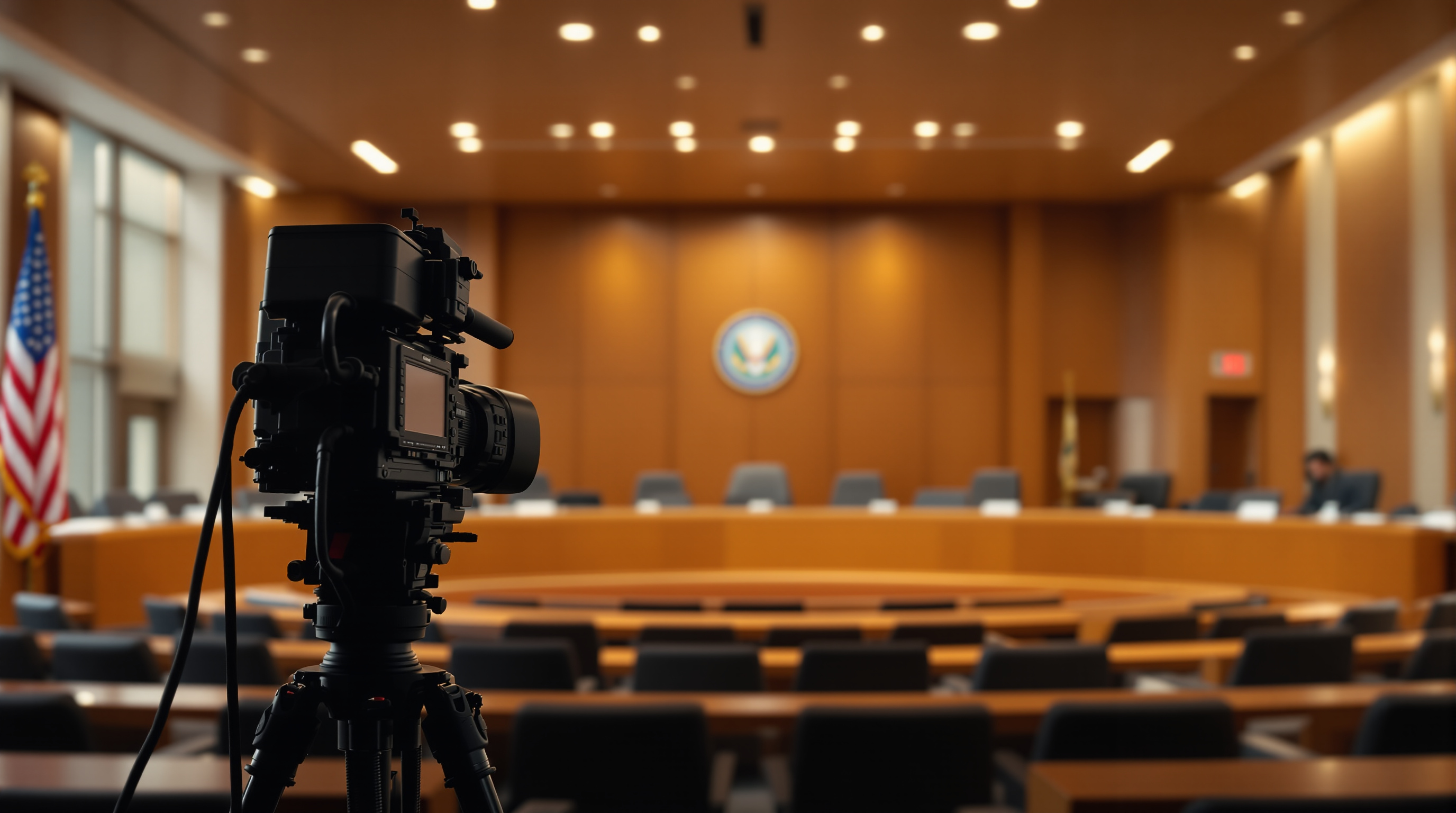
Most cities stream council meetings and skip the planning commission. Those hearings have the biggest civic audience - here is how to start streaming them.
Most cities livestream city council meetings. They put it on Facebook, link the agenda, and consider their broadcast obligations met. Then a 200-unit subdivision goes before the planning commission, the hearing room overflows, and someone is frantically asking if anyone brought a tripod.
The planning commission, the zoning board of appeals, the historic preservation commission - these are where your residents actually show up. Council meetings can run for hours discussing budget line items. A single zoning variance hearing about a contested cell tower can pull more people than any council meeting that year. And almost no city streams them.
If you run civic media for a small or mid-size city, this is the easiest engagement win available to you. Here is why these hearings matter, and how to stand them up without doubling your AV workload.
Where Citizens Actually Engage
Council meetings have a stable, predictable audience: the same handful of regulars, plus reporters when something big is on the agenda. Most weeks, the chamber is two-thirds empty.
Planning and zoning hearings have a different audience curve. They are quiet for months, then a project triggers neighborhood organizing and the room fills past capacity. People who have never been to a city meeting in their lives show up to speak about a setback variance two blocks from their house. They drive there. They write letters. They join Facebook groups.
These are the residents your civic communications strategy should be reaching, and a livestream is the easiest way to do it. Half the people in that overflow room have neighbors who could not get childcare. Stream the meeting, and the absent neighbors get the same information - and they remember who showed up for them.
Why Cities Skip It
The reasons usually fall into one of four buckets, and they are all softer than they sound.
'We do not have the staff.' Planning hearings are usually monthly or bi-monthly. They typically run shorter than council meetings. If you have already figured out how to stream council, the additional load is two to three hours of streaming per month.
'The room is not wired.' Most planning commissions meet in the same chamber as council, just on a different night. The cameras and mics are already installed. You are not building new infrastructure; you are scheduling another shift.
'The audio is bad because public comment is chaotic.' This is a real problem and a fixable one - handheld wireless mics for the podium and a small mixer solve it for under $800. The fact that your planning hearings have rowdy public comment is actually a strong reason to stream them. Your residents care.
'Nobody is asking for it.' They are asking with their feet. They are packing the room. That is a signal.
Start With the Easy Version
You do not need to broadcast every planning subcommittee. Start with full planning commission hearings and zoning board of appeals meetings. That is typically four to six broadcasts a month.
Minimum viable setup, if you are working from scratch:
- One camera on a tripod at the back of the room, framed wide enough to capture the dais and the speaker podium
- A direct audio feed from the existing room mix (any house sound system has a way to output this)
- A laptop running the encoder
- An on-call backup phone with a hotspot in case the building wifi flakes
If your existing council stream already covers this room, you are not buying anything. You are just turning the cameras on for an extra meeting per week.
The bigger lift is workflow: agenda posting, archive labeling, search. Citizens looking up 'what did the commission say about the Maple Avenue rezoning' need to find that segment six months later. That is a content management problem, not an AV problem.
Three Formats That Work
Three ways to release planning hearing video. Pick what fits your team's capacity.
Live plus full archive. Stream the whole meeting, post the full recording afterward, no editing. This is the lowest effort and what most cities do for council. It works.
Live plus chaptered archive. Same stream, but afterward someone splits the recording by agenda item. A two-hour hearing becomes eight 10-15 minute segments people can actually navigate. Higher engagement per resident, but it costs you 20 minutes per meeting to tag.
Live plus 24/7 replay channel. This is where a branded streaming app starts paying for itself. Your full meeting archive becomes a rotating channel that plays civic content all day - old hearings, public service announcements, town promo videos, even community-submitted content. Residents flipping through their Roku see the city on the dial.
That last format is where a platform like Fluger comes in. You can stand up a branded Roku and iOS app under your city's own name - no Apple Developer account required - and run a 24/7 schedule alongside live meeting broadcasts. The cities that do this often find the always-on channel gets more cumulative viewership than the live streams themselves, because it shows up where people are already watching TV.
The Follow-Up Audience Is Where the Real Win Is
Live viewership for a planning hearing is usually small. The replay audience is the one that matters.
When a controversial project gets approved at midnight on a Tuesday, the news cycle catches it Wednesday morning. Reporters, neighborhood association leaders, lawyers, the developer's PR team, opposing council candidates - they all want the tape. If your archive is searchable and shareable, you become the source of truth. If it is not, somebody's grainy phone video becomes the source of truth.
This is also where the public records angle quietly bites. Planning hearings are public meetings. The video is a public record. In an increasing number of states, you are already required to keep it. The only question is whether you keep it somewhere residents can actually find it - or in a folder on a thumb drive in someone's drawer.
What You Will Need From Vendors
If you are scoping a platform for this, the unsexy checklist:
- Live ingest with a graceful failover (your hearing should not die because someone unplugged a switch)
- Unlimited recording length (hearings run long)
- Easy chaptering and clip exporting (for the chaptered-archive format)
- The ability to publish under your city's name on Roku and iOS, not under a third-party brand (citizens trust their city's app, not 'GovStream Plus' or whatever)
- A 24/7 channel option if you want to pursue the always-on format
- No content-matching takedowns on copyrighted background music. You will accidentally capture a few seconds of a coffee shop's playlist during public comment. Do not get your stream muted for it.
Most of this is table stakes for a modern streaming platform. The branded-app and no-content-matching pieces are where general-purpose tools like YouTube Live or Facebook Live fall down for civic use.
One Honest Caveat
If your city is genuinely tiny - under 5,000 people, planning hearings twice a year, no public controversy ever - you probably do not need this. A Zoom call with a recording link does the job. The case for a real streaming setup kicks in when you have repeat engagement, controversial projects, or any kind of growth pressure on land use decisions.
But if any of that describes your city - and it describes most cities - the planning commission is the highest-leverage public meeting you are not yet streaming.
Start small. Stream the next contested hearing. See how many people watch it the next day. Then have the budget conversation.
If you want to spin up a branded civic streaming app on Roku and iOS - under your own city's name, with live meetings and a 24/7 archive channel - you can start a 14-day free trial at fluger.tv/registration.