06/29/2026
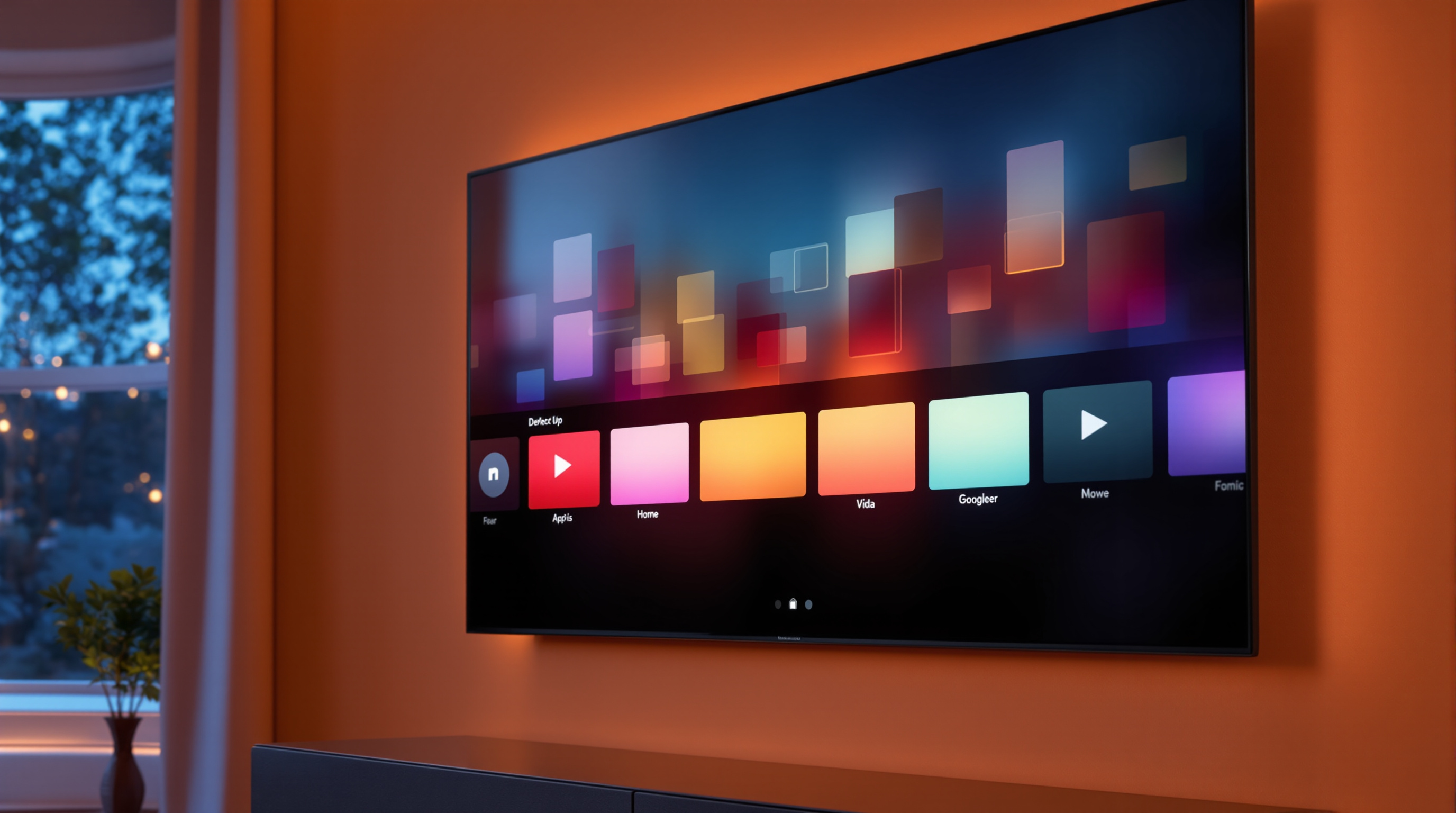
Your branded streaming app's icon has to survive a 1.6-inch phone tile and a glowing tile on a 65-inch TV. Most teams design only for the phone. Here's what actually works on the TV home row.
Your branded app's icon is the only piece of design that has to win across two completely different visual environments: a 1.6-inch square on someone's phone and a glowing tile on a 65-inch TV screen viewed from a couch. Almost nobody designs for both. Most teams hand the phone icon to whoever is publishing the Roku and Fire TV builds and call it done. Then they wonder why people scroll past the channel in the store.
The TV home screen is not a phone home screen. The rules are different. The distances are different. The neighbors are different. If your icon doesn't account for that, you've already lost the click before anyone reads your channel description.
The TV home screen is a row, not a grid
On a phone, your icon sits in a tight grid of dozens of other apps, each about the same size, all viewed from 12 inches away. The eye scans top-to-bottom and the brain is already primed to pick out individual icons.
On a TV, your icon is one tile in a horizontal row. The user is 8–10 feet away. The icon is rendered at maybe 252×142 on Roku's home screen or 320×180 on Fire TV. The eye doesn't scan — it sweeps left to right with the remote, and the icon has about a third of a second to register before the focus highlight moves on.
That changes what works.
A logomark that reads clean at 90×90 on a phone may turn into mush at TV distance. Fine type vanishes. Thin strokes disappear. Subtle gradient logos that look premium on a phone screen blur into a colored smudge. The icon that pops in your design tool, viewed at 100% on a 27-inch monitor, is not the icon your audience sees.
Open your TV, navigate to the channel store, and look at the icon as it actually renders. Walk back to the couch. Sit down. Can you read it? Can you tell what it is in the half-second it takes to scroll past?
The first ten characters of your name are the icon
The Roku channel store and Fire TV row both render the channel name below the tile. On the TV home screen itself, the user has often hidden labels or just isn't looking at them. The image is the brand.
This is where so many organizations stumble. Their print logo has the full name spelled out — "First Baptist Church of Springfield Streaming" — and somebody crams the whole thing into the icon. At TV distance it reads as a horizontal blur with no character anyone can decode.
The fix is not subtle: drop the words. Keep the symbol. If your brand has no symbol, this is the moment to commission one. A simple mark — a cross, a flame, an instrument silhouette, a building, an initial in a strong shape — beats a wordmark every time on a 10-foot screen.
Big national streamers figured this out years ago. Netflix is an "N." Disney+ is a "D+." Max is "max" set huge. The pattern is consistent: one strong shape, no fine detail, full bleed to the edges.
Your channel sits next to Hulu. Be honest about that.
On Roku and Fire TV, your branded channel doesn't get a special enclosure. It sits in the same store grid, sometimes the same horizontal row, as Netflix, Hulu, ESPN+, Peacock, and whatever else the platform is featuring this week. You are competing on visual ground with companies that have spent millions on their channel marks.
That comparison is uncomfortable but it's also clarifying. It tells you exactly what your icon is being measured against — and the answer is not "the icons of other small streamers." It's the visual literacy of the entire CTV ecosystem.
What that means in practice:
- Use a single dominant color. Hulu green. Netflix red. Disney blue. The big players each own a color at TV distance. You can too. Pick one. Use it loud.
- Avoid photographs. Photo backgrounds at icon scale on a TV become noise. Logos overlaid on photos look unfinished. Almost every successful streaming icon is flat, geometric, and confident.
- Don't try to communicate everything. You can't say "live worship and on-demand sermons and an archive of mid-week studies" in an icon. Pick one idea. Communicate that.
If you're using the icon to also signal your content type — for example a treble clef for a music venue's channel, or a graduation cap for a school district — that's fine as long as the shape is bold and isolated. Compound icons with three or four ideas always fail.
The store screenshot is a second icon
Most channel stores let you upload screenshots — typically two to four images that appear on your channel's detail page. Treat the first one as a second icon, not as a screenshot.
A literal screenshot of your app's home screen, with tiny rows of placeholder VOD thumbnails and small UI chrome, looks like every other generic app. Nobody will read it. Nobody will care.
Instead, use that first slot as a poster: a single big image with one or two words at most, calling out what the channel is and why someone should care. "Live every Sunday." "Yoga, on demand." "Every game, every season." The screenshot is the second pitch after the icon hooks them. Don't waste it on UI marketing materials.
The second and third slots can be your actual UI. By then, the user is leaning in.
You can change it. You probably should.
Your icon is not a tattoo. Both Roku and Apple's CTV ecosystems let you push new graphics with a routine build update. Treat the icon like any other piece of marketing collateral that should evolve as you learn what's working. Most channels we see launch with an icon that was clearly the founder's gut call at 11 p.m. the night before submission. Six months later, with some data on store-page conversion, they have no excuse for not iterating.
Two practical tests before you ship a new icon:
- The thumb test. Shrink it to 60×60. Can you still tell what it is? If not, the icon won't read on a phone.
- The 8-foot test. Display it on your actual TV. Stand 8 feet back. Squint. Can you still tell what it is? If not, the icon won't read on the platform that matters most.
You will be amazed how often a beautiful icon fails one or both of those tests.
Where Fluger fits
Fluger publishes a branded streaming app under your organization's name to Roku and iOS without you needing your own Apple Developer account. We give you the build, the channel listing, and the ongoing updates — but the artwork you upload is the artwork your audience sees. The platform won't save a bad icon.
If you'd like to launch your own channel — and have the icon battle to fight — start a 14-day free trial at fluger.tv/registration. You'll publish to Roku and iOS without writing code or paying Apple's developer fee, and we'll give you the dimensions, templates, and a sanity check before you submit your store graphics.
Your icon is the only design that reaches the TV home screen. Make it earn the spot.