05/18/2026
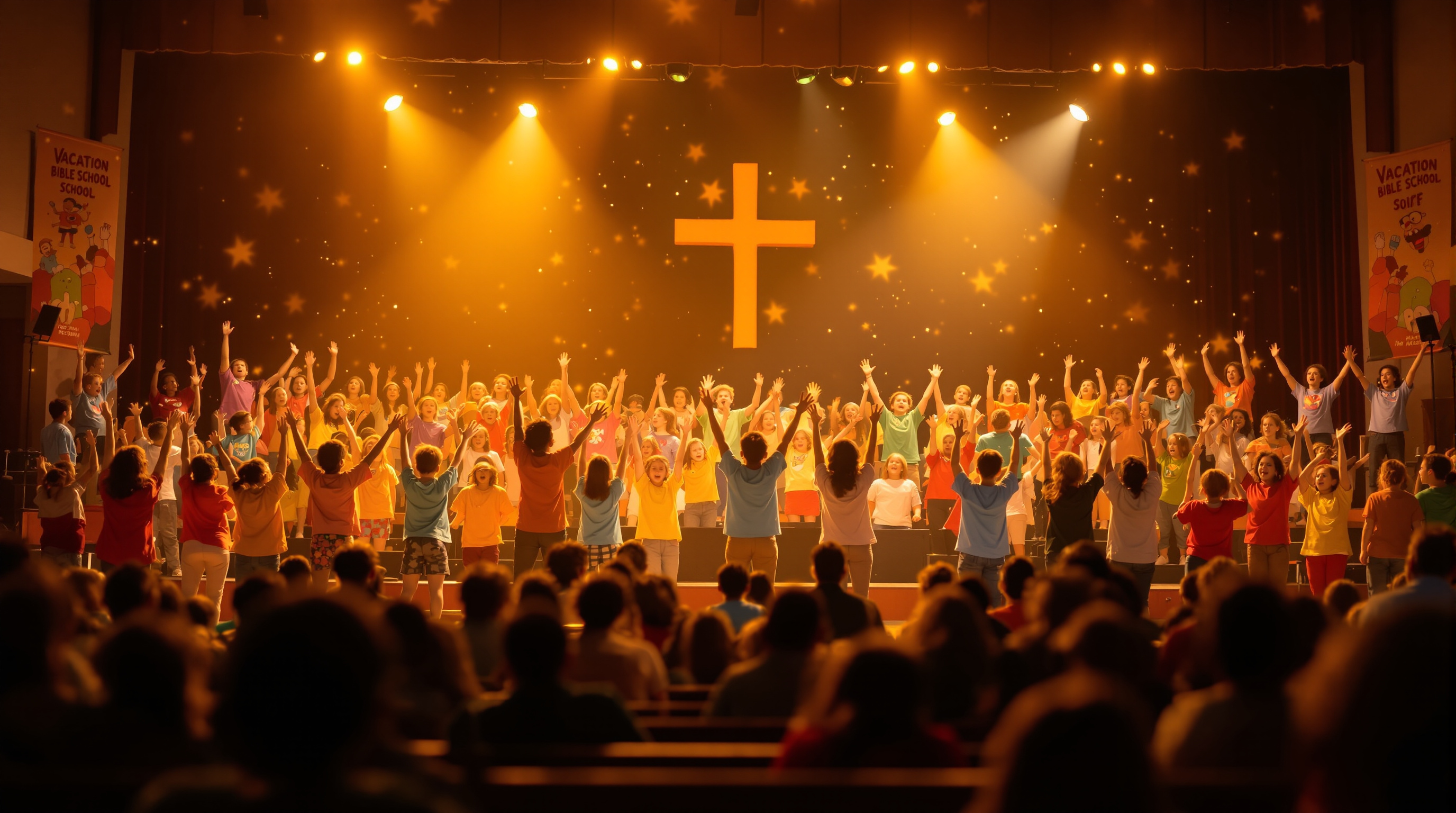
VBS closing night is the most-watched-from-afar church event of the year for the families involved. Most churches don't stream it. Here's how to set it up in about 60 minutes — one camera, one volunteer, and a few things that actually matter.
Your VBS closing program is going to be the loudest, most chaotic, most joyful 90 minutes your church will have all summer. Kids in matching T-shirts. Parents holding up phones. A skit that goes off the rails. The big song. The slideshow. The hugs.
And the people who want to see it most won't be there.
Grandma in Florida. The dad on a six-month deployment. The aunt who flew in for the baptism last year and can't make it back. The grandfather recovering from a knee replacement who can't sit through traffic. Every one of them would give up a Saturday to watch your church's seven-year-olds yell "JESUS LOVES ME" in unison — and almost none of them will get to.
You don't need a production team to fix this. You need one camera, one volunteer, one link, and about an hour of planning. Here's how to actually pull it off.
The audience you're missing (and why they matter more than you think)
Most churches that stream Sunday services don't bother streaming VBS. It feels like a different category — a kids' program, not "real" service. Nobody's preaching. There's no liturgy to follow.
But here's the thing: VBS closing night is the single most-watched-from-afar church event of the year for the families involved. It beats Easter. It beats Christmas. It beats baptisms. Because every kid up there has at least one set of grandparents who doesn't live in your town anymore, and those grandparents have been hearing about VBS for a week. They've gotten the pictures. They've seen the crafts. They want to see the program.
A church I know with about 110 kids enrolled in VBS streamed their closing program for the first time in 2025 with a borrowed phone on a tripod. The replay got 340 views in 48 hours. The pastor told me three different grandmothers cried at him on Sunday.
This is the easiest emotional win your church will have all summer.
What to actually stream (and what to skip)
You don't need to stream the whole night. You need to stream the program. Here's the split:
Stream:
- The opening welcome / pastor's 2-minute hello
- The kids' songs (yes, even when they're chaotic)
- The skit or short play
- The slideshow / week recap video
- The closing prayer
Don't stream:
- The check-in / arrival period
- The meal afterward (people are eating, no one wants to be on camera holding a plate)
- The cleanup
- Any small-group breakouts where you can't get consent
Practically, this means your livestream is about 25 to 40 minutes long. That's a totally manageable window for one volunteer to run. Start the stream 5 minutes before the program begins so people can find it and settle in. End it cleanly after the closing prayer. Tell the families afterward that the replay will be available — that's actually when most relatives will watch it, on their own schedule.
The setup a single volunteer can actually pull off
You probably already have everything you need to do this. The bar is much lower than you think.
The bare minimum that works:
- One smartphone or one camera, on a tripod, at the back of the room
- A wired internet connection (or strong wifi — test it that morning, not that night)
- One volunteer who isn't doing anything else (do not give this job to the worship leader or the children's pastor)
- A streaming platform that doesn't expose your kids to a global comment section
That last one matters more than the camera. The reason most churches don't stream VBS — and I'd argue rightly — is that they only have YouTube or Facebook Live, and the idea of broadcasting a room full of minors to a public platform with anonymous commenters feels wrong. It should feel wrong.
There are two reasonable fixes: stream as "Unlisted" on YouTube and send the link only to enrolled families, or use a platform where the audience is contained inside your church's own app and not searchable on the public internet. Fluger does the second — every church's livestream is delivered through the church's own branded iPhone and Roku apps, so grandparents download "First Baptist Springfield" and not a generic streaming directory. No public comments section. No "up next" suggestions to who-knows-what. And because Fluger doesn't run any audio fingerprinting like YouTube's ContentID, the worship songs the kids sing during VBS won't get muted halfway through the closing number — which, if you've ever had it happen at a Christmas service, you'll know is a uniquely painful experience.
But the platform is not the hard part. The hard part is the camera position and the audio.
Audio is the whole game
You can shoot VBS closing night on a $200 phone and it will look fine. The video quality of kids running around on a stage is honestly forgiving — viewers expect it to be a little messy. But if your audio is bad, your relatives will tune out in 90 seconds and feel guilty about it for a week.
Two non-negotiables:
Plug into the soundboard. Whatever the kids are singing into — the handheld mic the pastor uses, the lapel mic on the skit narrator — you need that audio going into your stream, not into the room mic on your phone. If your church does Sunday livestreams, your AV person already has the cable you need. Ask them on Wednesday, not Friday.
Test it during rehearsal. Have someone watch the test stream on their own phone, with headphones in, from the parking lot. If they can hear the kids clearly, you're good. If it sounds like a recording made inside a tin can, you have an audio path problem.
The single most common VBS streaming failure I've seen is the camera at the back of the room with no soundboard feed — which means the loudest thing on the stream is the toddler crying in row 3, not the kids singing on stage. Don't be that church.
What to actually tell families
Here's the part most churches mess up. They set up the stream, and then they email families a paragraph that reads like an IT memo.
Don't do that. Send something like:
Hi everyone — VBS closing program is Friday at 6 PM. If you have family who can't make it in person, here's the link to watch live. The replay will be available afterward through Sunday night. Send this to grandma. Send it to the deployed parent. Send it to anyone who's been asking for pictures all week. They'll love it.
Send it Monday of VBS week. Send it again Thursday. Send it as a push notification on Friday afternoon if your church has an app. The link should be one tap, no login, no account creation. The moment you make a 73-year-old create an account to watch their grandkid sing, you've lost them.
A short, honest caveat
Not every family will be okay with their kid on a stream. Before you stream, send a one-line opt-out option to parents during VBS registration: "We'll be streaming the closing program for out-of-town family. Reply if you'd prefer your child not be on camera." Almost no one will reply. The handful who do — seat them in the back row or off to the side, and aim the camera accordingly.
This is also a courtesy thing for foster families and families in custody situations. Five minutes of upfront care will save you a hard conversation later.
The bottom line
You've already done the hard part. You've spent six months recruiting volunteers, ordering snacks, decorating the gym, learning songs, building sets. The closing program is the payoff for all of it.
Spending 60 minutes setting up a livestream is what turns that payoff into something that travels — to the grandparents in Florida, to the deployed dad, to the family who's been praying their kid would want to come to church and now suddenly does.
If you want a platform built specifically for churches that puts your livestream inside your own branded iPhone and Roku apps — with no public comments, no ContentID muting of worship songs, and no Apple Developer account to wrestle with — Fluger gives you a 14-day free trial at fluger.tv/registration. Plenty of time to set it up before VBS.
Or use what you've got. Just stream it.