05/25/2026
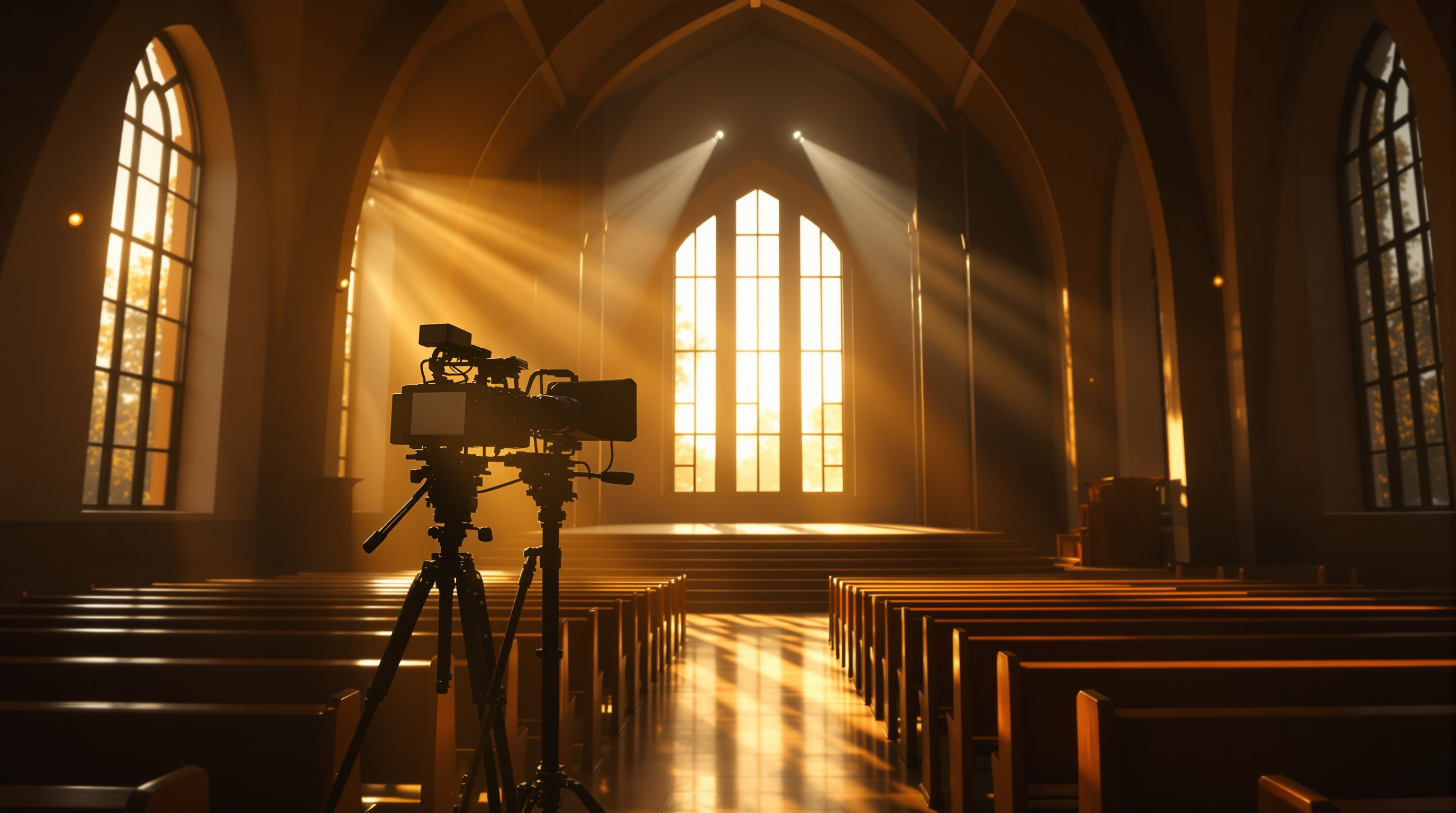
Your church livestream is a public broadcast — and the AV team needs a doctrine of what doesn't go out. Five moments to cut: close-ups of kids, baptism interviews, prayer requests with names, conflict, and anything you couldn't replay on Tuesday.
There's a quiet temptation that creeps into every church livestream after the first six months. The equipment is dialed in. The volunteer team knows the cues. The camera comes on at 9:58 and stays on until the closing prayer is done. And somewhere along the way, you stopped asking whether everything in front of that camera actually belongs in front of it.
That's the question worth walking through today. Not "what should we add to the stream?" — that's the question every church asks. The harder, more important one: what should we cut?
The moment your service goes online, the room stops being just your church family. It becomes a public broadcast. A stranger in another country, a divorced parent in the middle of a custody dispute, a predator searching for a target — they all have the same access to your stream that your most faithful member does. That's a serious responsibility, and your AV team needs more than a camera switch. They need a doctrine of what doesn't go out.
Here are five moments that probably shouldn't.
1. Children, especially up close
This one tops the list because it's the easiest mistake to make. Your camera operator pulls a sweet shot of a kid hugging their friend during a song. Maybe a slow zoom on the little girl in the front row clapping along. It's a great shot. It also identifies a child by face, by location, by service time — to anyone on the internet.
Methodist safe sanctuary guidance gets this right: for children's messages, keep the camera on the adult leader, not the kids. If kids move through the worship space, switch to a wide non-identifying shot or cut to a static graphic. And no recognizable image of a child should be broadcast without a signed parent or guardian release on file.
A simple rule for your camera team: if a stranger watching the stream could pick that child out of a school pickup line, the shot is too tight.
2. Baptism interviews and altar conversations
The baptism itself — the moment in the water — is one of the most powerful things your church does. Stream it. Celebrate it. Share it.
But the conversation leading up to it isn't for the public. When a new believer is telling their story at the baptismal — what they were saved out of, who hurt them, what they're walking away from — that's intimate testimony given to a church family, not an open-mic confession to the internet. The same applies to the altar at the end of a sermon: people are crying, kneeling, confessing things they've never said out loud. Your camera shouldn't be there.
The honest fix: when the invitation begins, cut to a wide stage shot or a worship lyrics graphic. Keep the mic on the worship leader, not on the people praying. Save the up-close emotion for the moment of decision, not the wrestle that precedes it.
3. Detailed prayer requests with names
"Lord, we lift up Patricia Henderson — she's just been diagnosed with stage four pancreatic cancer and the family is meeting tomorrow to talk about hospice."
Powerful prayer. Should never go live.
Patricia's coworker doesn't know yet. Her brother in another state doesn't know yet. Her insurance company shouldn't be able to scrape it. A medical diagnosis spoken from your pulpit becomes a permanent, public, searchable record the second your stream is on. Same goes for marital struggles, family crises, addictions, anything someone shared with the prayer team in confidence.
The fix is upstream of the camera: train your pastor and pastoral staff to use first names only on stream — "We lift up Patricia, who's facing a hard medical situation" — and save the specifics for the in-room prayer chain or a private text thread.
4. Conflict, correction, and surprise moments
Every church has had one of these Sundays. A member stands up to interrupt the sermon. A guest gets agitated. A child has a meltdown two pews from a hot mic. A volunteer has a public moment of grief. None of it is anyone's fault, and none of it belongs on YouTube forever.
Your AV team needs explicit permission — and a practiced motion — to cut the feed during these moments. A pre-rolled "We'll be right back" graphic, a fade to black, even a hard cut to a wide shot. Pick one. Practice it. Make sure your camera operator knows they will never be in trouble for cutting too early, only for streaming something they shouldn't have.
This is one of those policies that sounds small until the moment you need it. Then it's the difference between a five-second blip and a clip that gets passed around for a week.
5. Anything you couldn't replay on Tuesday
Here's a useful test for the gray-zone moments: would you be comfortable sending Tuesday's email blast with a link to this clip? If the answer is "no, that was a moment that needed to stay in the room," then it shouldn't have been streamed in the first place.
This catches a lot of edge cases. The off-the-cuff joke that didn't land. The pastor's emotional moment that he later wishes he'd had a chance to compose. The guest speaker who said something doctrinally messy. The announcement that turned out to contain wrong information.
A livestream isn't a recording of what happened. It's a publication of what happened. Once it's out, it's out. Plan accordingly.
A note on platforms
Cutting a feed cleanly is easier on some platforms than others. If you're streaming directly to a public platform, you don't really have a relationship with your audience — you have a relationship with their algorithm. The moment you cut to a holding graphic, the algorithm may decide your stream isn't interesting anymore and quietly stop showing it to people. Your viewers drift off, and you have no way to bring them back.
That's part of why we built Fluger the way we did. Your service streams into your church's own iPhone and Roku apps, listed under your church's own name in the App Store and Roku channel store — not under ours, not buried in someone else's recommendations feed. You control the feed, you control what your viewers see when you cut away, and you don't need an Apple Developer account or a six-month review cycle to make it happen. (And as a bonus, you don't have to deal with YouTube's ContentID muting your worship songs in the middle of a baptism.)
But platform aside, the underlying point is the same: your church's livestream should reflect your church's pastoral care. Cutting a feed when a member breaks down isn't being a worse broadcaster. It's being a better pastor with a camera in the room.
Start a list this week
You don't need to fix all five of these in one Sunday. Pick the one that worries you most — for most churches it's the kids — and write down a one-paragraph policy for it. Share it with the AV team. Add it to the volunteer handoff document. Run a quick drill before next Sunday's service: "What would you do if a child wandered into frame during the sermon? What button do you press?"
The churches with the best livestreams aren't the ones with the most cameras. They're the ones who've thought hardest about when to turn theirs off.
Thinking about giving your church real control over what your members see — and where they see it? Fluger lets you launch a branded streaming app on iPhone and Roku, no Apple Developer account required, no YouTube copyright headaches. Start a 14-day free trial at fluger.tv/registration.