09/28/2026
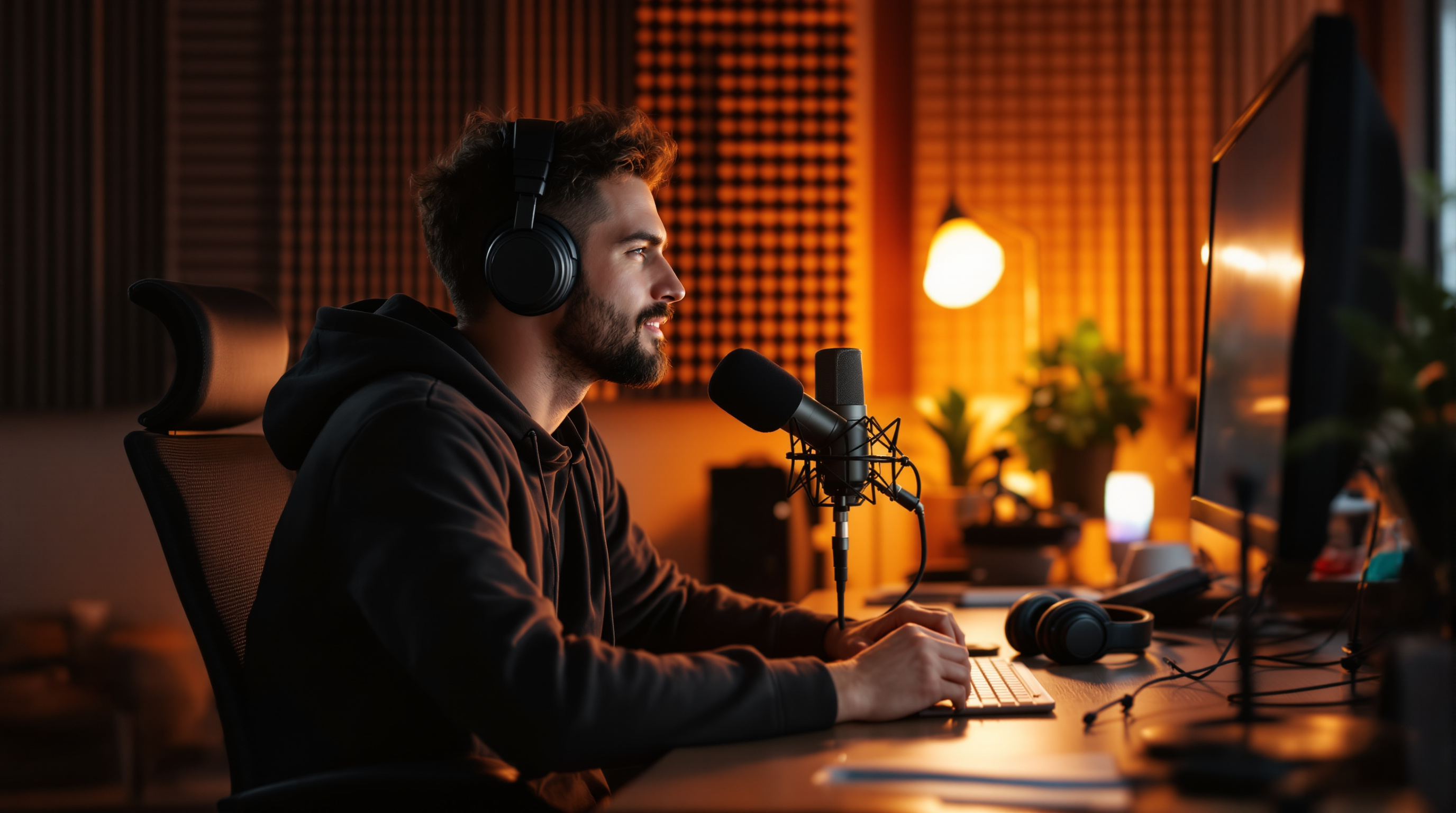
Bad audio is the number one reason viewers abandon streaming channels — and most creators never realize it. Here's how to fix the most common audio mistakes without spending a fortune.
Your Audio Is Ruining Your Channel (And Viewers Won't Tell You Why They Left)
Viewers will forgive grainy video. Shaky handheld footage, soft focus, a slightly off white balance — they'll push through all of it. But bad audio? They're gone in under thirty seconds, and they'll never quite be able to explain why. They'll just say the channel "wasn't for them."
The research is consistent: poor audio is the number one reason viewers abandon videos and never return. Not poor lighting. Not low resolution. Audio. Yet the overwhelming majority of new creators invest in better cameras before they ever think about their microphone. This is one of the most expensive mistakes you can make — not in money, but in growth.
Why Bad Audio Hits Differently Than Bad Video
Your brain processes audio and video in fundamentally different ways. Video has a tolerance for imperfection built into our viewing habits — we've watched home movies, shaky news footage, and lo-fi vlogs our whole lives. But strained, muffled, or echoey audio triggers something closer to physical discomfort. It forces your listener to work to understand you, and most people won't consciously make that trade.
There's also a trust dimension. Crisp, clear audio signals professionalism. It tells a viewer, before you've said a single word of substance, that you take your craft seriously. Hollow room echo tells them the opposite. It's unfair, and it's true.
The good news: audio problems are among the cheapest to fix. A $60 USB condenser mic placed correctly will outperform a $5,000 camera paired with a built-in microphone every single time. And "placed correctly" is doing a lot of work in that sentence — we'll get to it.
Three Audio Problems That Are Silently Draining Your Audience
1. Room echo and reverb
This is the single most common issue, and the one creators least often notice in their own recordings. Your room is a giant echo chamber. Hard walls, bare floors, and high ceilings all reflect your voice back at the microphone milliseconds after the direct sound arrives — and that smearing effect reads as "unprofessional" to any listener.
The fix doesn't require an acoustic studio. Soft furnishings absorb sound: record in a room with carpet, curtains, and a bookshelf full of irregularly-shaped objects. If you have a walk-in closet, it's probably already a better recording environment than your living room. Hanging a thick blanket behind you while recording makes a measurable difference. Foam panels on the wall work too, but they're rarely necessary if you choose the right room.
2. Distance from the microphone
Most creators sit too far from their mic. The further away you are, the more room sound gets captured relative to your voice — the ratio shifts from "you" to "your room." A good rule of thumb: your microphone should be roughly a closed fist's distance from your mouth. That sounds close. It will sound much better.
If you're worried about breathing or plosive sounds (those harsh "p" and "b" bursts), a pop filter — a $10 accessory — solves that. It doesn't solve the problem of sitting three feet away.
3. Background noise you've stopped noticing
HVAC systems, refrigerators, street noise, fans — your brain is remarkably good at filtering these out in real life. Microphones are not. Record a 30-second test clip right now, then put on headphones and listen with your eyes closed. You'll likely hear something you weren't aware of. A running computer fan. The air conditioning clicking on. A distant lawnmower.
The fix is usually simple: close the window, turn off the fan during recording, and record in short takes so you can cut around any interruptions. Free tools like Audacity or the noise reduction built into editing software can further clean up residual hum.
The One Upgrade That Changes Everything
If you're still using your laptop's built-in microphone or a gaming headset, stop. A dedicated microphone is the single highest-leverage upgrade a streaming creator can make — more impactful per dollar spent than any camera, lighting kit, or background setup.
You don't need to spend much. The landscape for quality budget microphones has improved dramatically in the last few years. USB microphones that connect directly to your computer without any additional hardware can sound genuinely excellent for under $80. What matters more than price is microphone type (a cardioid pickup pattern, which captures sound from in front while rejecting the sides and back, works best for most recording situations) and, as covered above, placement and room acoustics.
Ready to Level Up Your Channel's Sound?
Great audio won't automatically build your audience — but bad audio will reliably shrink it. The creators who grow consistently are the ones who remove every unnecessary friction point between their content and their viewers. Sound quality is one of the biggest, most fixable friction points in existence.
Fluger gives you everything you need to build and broadcast your channel — your content deserves to be heard in the best possible light. Start your free channel today at fluger.tv and give your audience a reason to stay.