09/25/2026
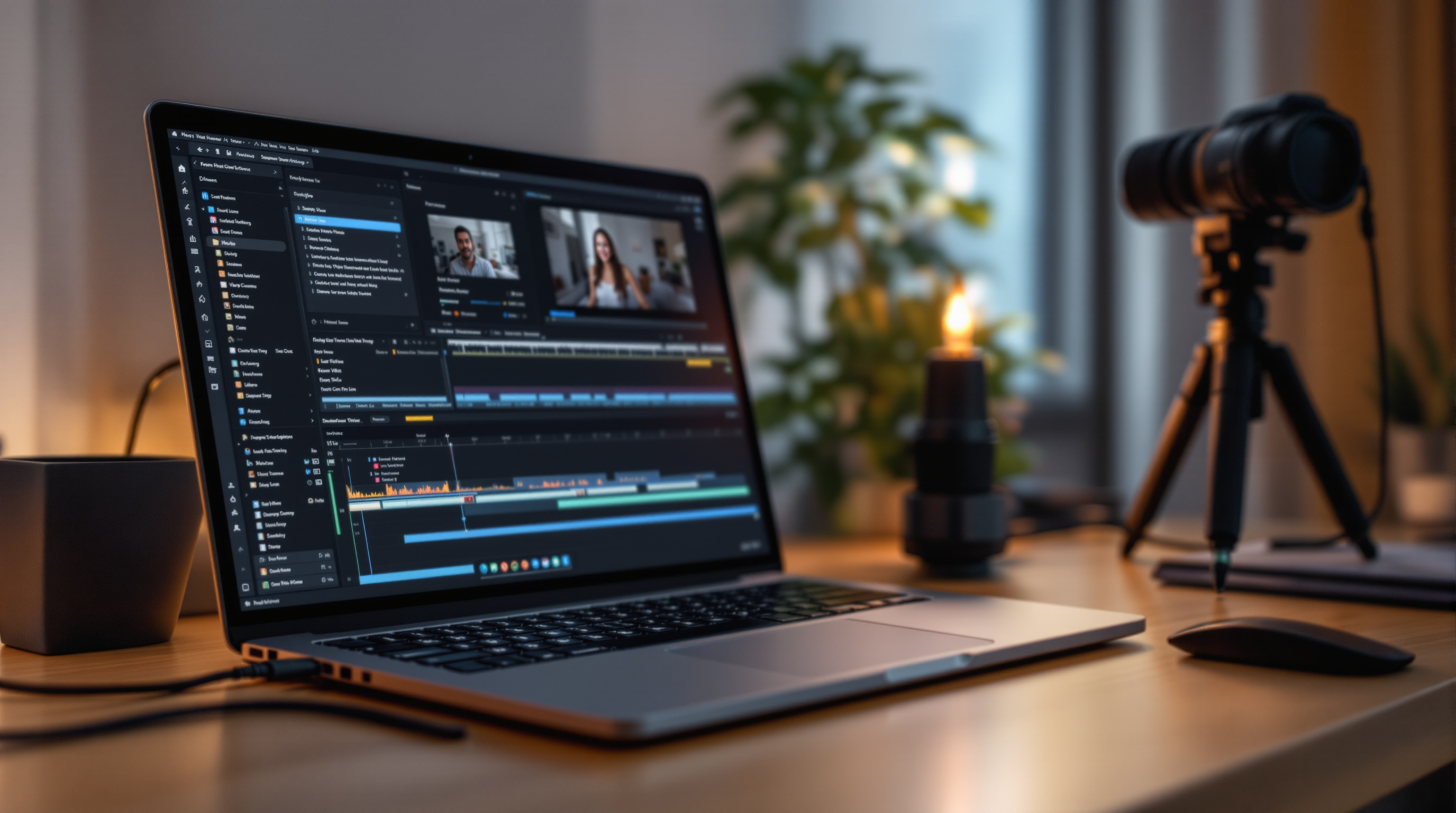
AI tools are giving streaming creators back hours every week — from scripting and captions to thumbnails and metadata. Here's where the real wins are, and how to use them without losing your voice.
How AI Is Changing the Way Streaming Creators Work (And How to Use It)
If you're still doing everything by hand — scripting episodes, writing descriptions, editing thumbnails, captioning videos — you're spending hours on tasks that AI can now handle in minutes. That's not a reason to panic. It's an opportunity.
The creators who grow fastest in 2026 aren't working harder than everyone else. They're using AI as a force multiplier: handling the repetitive, time-consuming production work so they can focus on what only they can do — their voice, their perspective, their ideas.
Here's where AI is actually delivering results for streaming creators right now.
Scripting and Content Planning
The blank page is the enemy of consistency. You know what you want to say — roughly — but getting it out of your head and into a structured script takes time you don't always have.
AI writing tools are genuinely useful here. Give them your topic, your format, and the tone of your channel, and you'll get a working draft in under two minutes. That draft won't be perfect. It'll have your voice missing, some generic phrasing, maybe a structure that doesn't quite fit your show. That's fine — the goal isn't to publish the AI's script. The goal is to have something to react to, rewrite, and shape into your own.
Most creators who use AI for scripting say the same thing: they spend less time staring at a blank document and more time actually refining their ideas. The bottleneck moves from "getting started" to "making it better," which is where your real creative value lives.
The same logic applies to content planning. AI tools can help you generate episode ideas from a seed topic, spot patterns in what's performing well on your channel, and suggest titles that hit proven emotional and curiosity triggers. Use them as a brainstorm partner, not an authority.
Captions, Descriptions, and Metadata
This is where AI saves the most time with the least risk.
Automated captioning used to be hit-or-miss — decent for clean audio, hopeless for accents or fast speech. Today's tools are dramatically better. You can get a transcript of a 20-minute episode in under a minute, edit out the handful of errors, and publish captions that are good enough to boost discoverability and serve hard-of-hearing viewers.
Video descriptions and metadata are another quick win. Paste your transcript or script into an AI tool and ask for a YouTube-style description, three title variations, and a set of tags. You'll have a complete metadata package in the time it used to take to write one description paragraph.
The compounding effect here matters: every episode where you skip this step is an episode the algorithm can't fully index. At 2 videos a week, that's over 100 missed opportunities per year. AI makes it easy enough that there's no longer a good reason to skip.
Thumbnails and Visual Assets
AI image generation has crossed a threshold where it's genuinely useful for creating thumbnail backgrounds, channel art variations, and promotional graphics. You're not replacing a skilled designer — but for creators working solo or with a small team, you now have access to on-demand visual assets that used to require either significant budget or significant time.
The workflow that works well: use AI to generate a set of background options for a thumbnail concept, then bring your own branding elements (text, face crop, logo) in your design tool of choice. You get the flexibility of custom visuals without starting from a blank canvas every time.
What AI Can't Replace
Here's the part that matters: none of this works without you.
AI can draft a script, but it doesn't know why your audience follows you. It can suggest titles, but it can't feel the difference between clickbait that burns trust and a headline that earns a click. It can generate thumbnail backgrounds, but it doesn't know your channel's visual language.
The creators who get the most out of AI are the ones who treat it as a starting point, not a shortcut. Use it to move faster through the parts of production that drain your energy, so you have more left for the parts that actually require you.
Ready to put more time back into what matters most? Fluger gives you the platform to run your own streaming channel the way you want to — and with AI doing more of the heavy lifting, there's never been a better time to build something worth watching. Start your channel on Fluger today.