09/22/2026
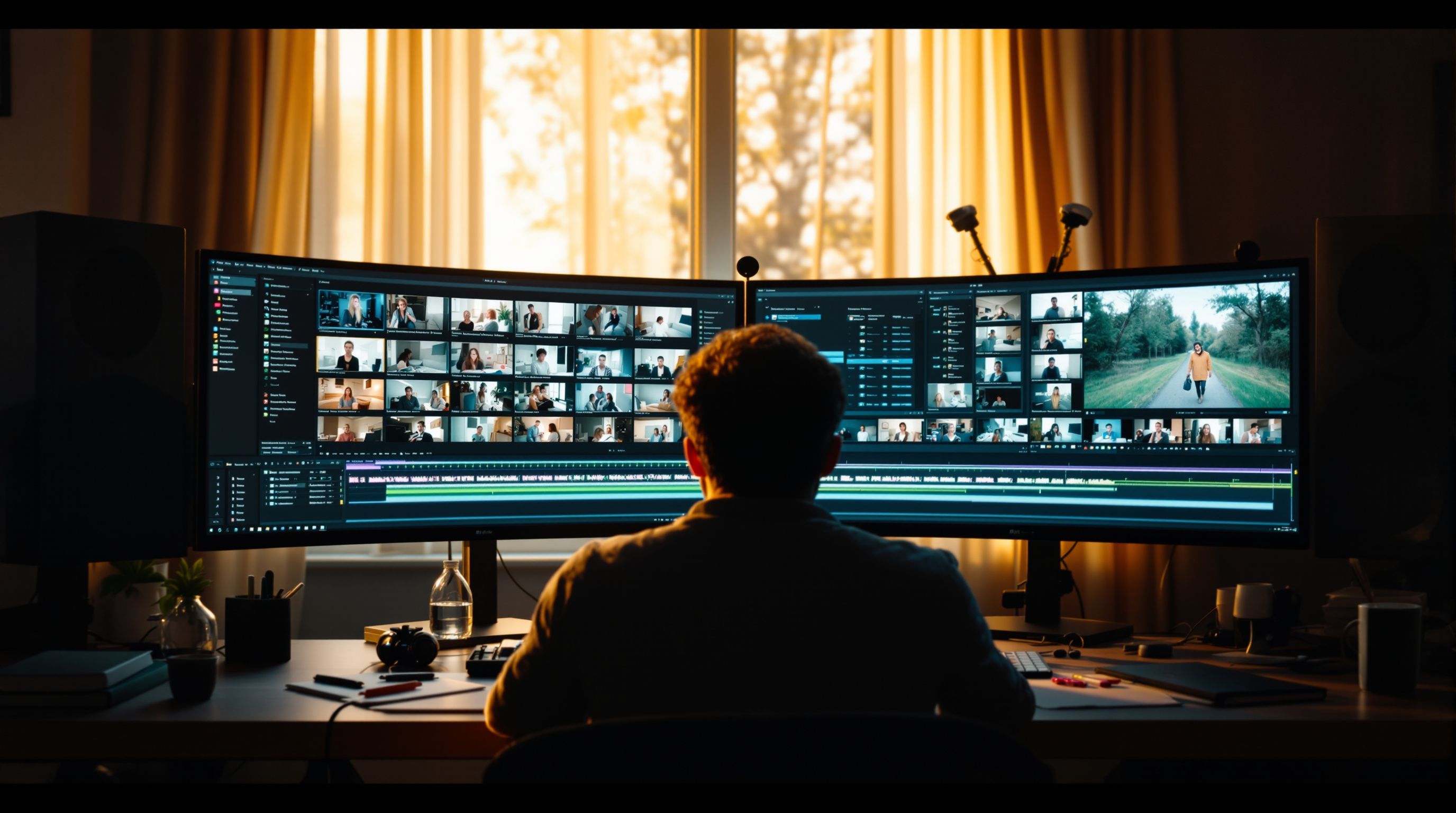
Most creators end a stream and move on. The smart ones treat every recording as raw material for a full week of content. Here's the simple system for turning one stream into ten pieces.
You hit "end stream" — and then what? For most creators, the answer is: move on and start thinking about the next one. But everything you just recorded is sitting there, loaded with usable moments that most of your audience never saw. The creators who grow consistently aren't just streaming more. They're getting more out of every stream they make.
Here's how to turn one stream into a full week of content — and reach the viewers who were never watching live.
Your Replay Is Your Hardest-Working Asset
Live viewership is exciting, but it's also the smallest slice of your total audience. The people who catch your stream in real time are just the tip. The majority of your views — often 5x to 10x your live count — come from the replay.
On Fluger, your streams automatically archive as on-demand video. But a raw archive isn't the same as a performing VOD. Before you move on, take 20 minutes to:
- Add chapter markers so viewers can jump to the parts they care about
- Trim the dead air at the start and end — those minutes of "testing, can you hear me?" are the first thing new viewers bounce from
- Write a description that works for search — use the actual terms someone would type to find the topic you covered
A polished replay gets recommended. A raw dump gets forgotten.
Pull Three Clips Before You Close the Tab
Every stream has at least three shareable moments: a killer insight, a funny exchange, a viewer question that got a surprisingly honest answer. These clips are the most efficient promotion you'll ever make.
Clips do two things: they travel where your channel doesn't — social feeds, DMs, embed links on blogs — and they act as trailers for your full content. A viewer who watches a 90-second clip and wants more follows the trail back to your channel.
A good clip passes the out-of-context test: no setup required, clear payoff within 60–90 seconds. The hook has to land in the first five seconds, because that's all the algorithm gives you before the scroll.
Start with one clip per stream. That's 4–5 pieces of standalone content per month before you've done any extra work.
The Formats Most Creators Skip Entirely
Clips are the obvious move. But your stream is also a blog post, a newsletter, a short-form script, and a podcast episode — because the ideas are already there. You talked through them live. All you're doing now is translating them.
A few formats worth testing:
Recap posts. A 300-word "what I covered this week" summary, with timestamps back to the replay. Easy to write, good for SEO, and useful for the subset of your audience that reads more than they watch.
Audio edition. Strip the video, add a simple intro/outro, publish to a podcast feed. If your streams are conversational or interview-based, this works better than you'd expect. Some listeners prefer it.
Thread or carousel. Take the three best points from the stream and write them as a tight thread or slide carousel. Short-form platforms reward this format heavily right now, and it's a direct pipeline to your channel for anyone who wants the full version.
You don't need all of these. Pick one secondary format, run it for a month, and measure whether it brings people to your channel. If it does, keep going. If it doesn't, try the next one.
The Compound Effect
None of this is complicated. What makes it powerful is repetition: one stream becomes five touchpoints across formats and platforms, each one pointing back to your channel. Over time, you're not just building an audience — you're building a content library that keeps working after the live moment has passed.
The biggest channels on Fluger aren't necessarily streaming the most. They're streaming smart, then squeezing every hour of recorded content for everything it's worth.
Your archive is already waiting. If you're broadcasting on Fluger, you have material right now that most of your audience hasn't seen. Start with the replay — clean it up, add chapters, write the description. Then pull one clip. That's the whole system.
Launch your free Fluger channel and start building content that works around the clock.