09/05/2026
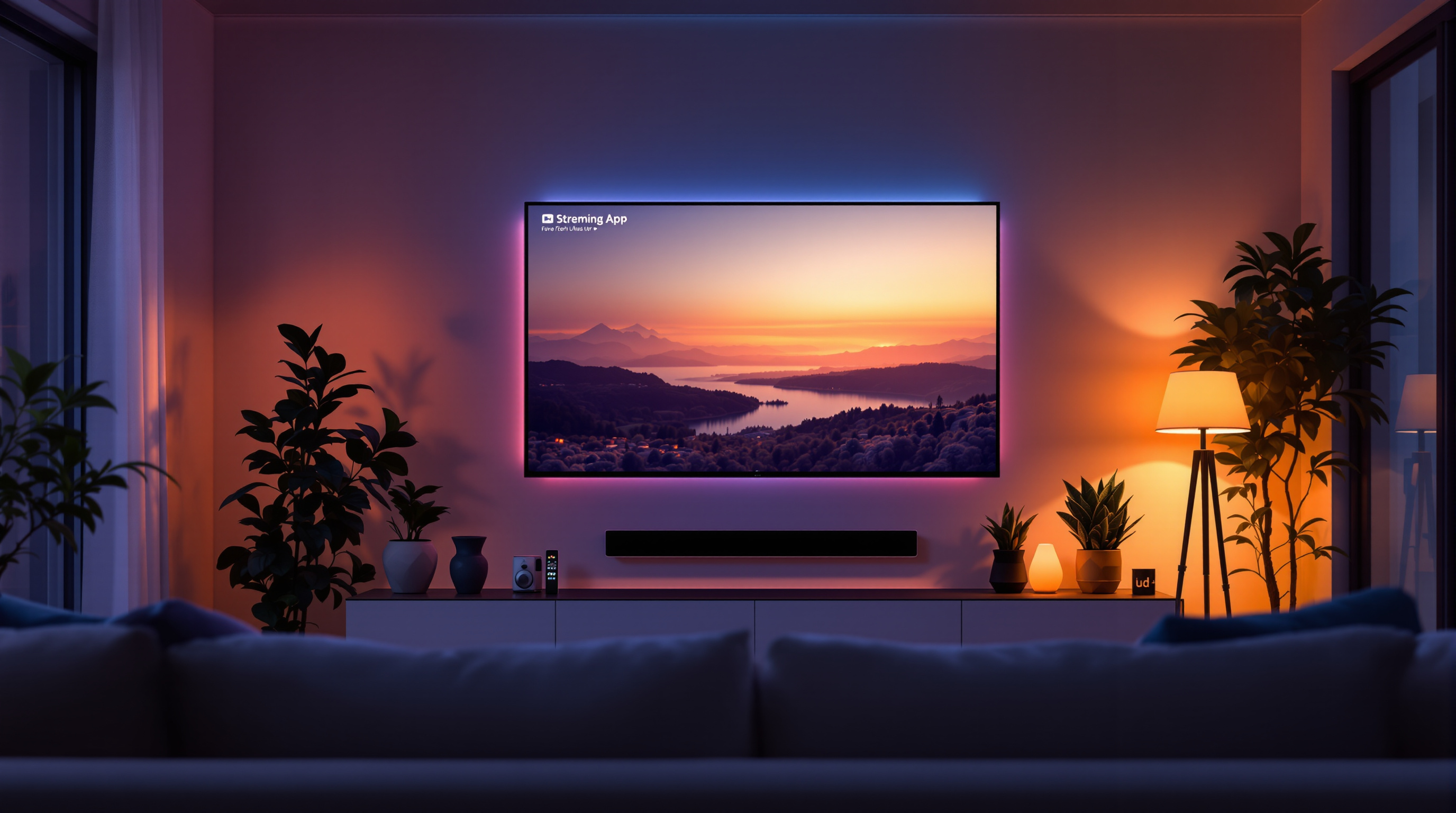
Smart TV viewing now dominates streaming. Here's why independent creators need a CTV presence — and how to get your channel on the big screen today.
The Living Room Is the New Prime Time — And Your Channel Belongs There
For years, "content creator" meant YouTube on a laptop. But audiences have migrated. According to Nielsen, streaming now accounts for more than 38% of total TV usage in the US — and the majority of that watching happens on the living room big screen. Your subscribers aren't just checking phones anymore. They're leaning back on the couch, remote in hand, and reaching for exactly the kind of niche, passion-driven content that independent creators make best.
The question isn't whether your viewers are on Smart TVs. They are. The question is whether your channel is there to meet them.
What CTV Means for Independent Creators
Connected TV (CTV) refers to any television that can stream internet content — Smart TVs from Samsung, LG, or Sony, streaming sticks like Roku and Amazon Fire, and devices like Apple TV or Chromecast. Unlike mobile, where viewers scroll and stumble onto content, CTV viewing tends to be intentional and longer. Average session times on Smart TVs are 2–3x longer than on mobile. Viewers sit down, pick something, and commit.
That's a fundamentally different — and more valuable — kind of attention.
But traditionally, getting your channel onto a Smart TV platform required expensive licensing deals, app development budgets, and distributor relationships that only big media companies could access. That's no longer true. Platforms like Fluger are purpose-built to distribute independent creator channels directly to TV apps — without the enterprise overhead.
Here's what that means in practice:
- Your content looks legitimate. When a viewer opens an app on their Samsung TV and sees your channel alongside polished streaming brands, the perception shift is immediate. You're not a YouTube sidebar; you're a destination.
- Discovery works differently. CTV app stores surface channels by category, so a focused niche channel — true crime, classic film, fitness, cooking — gets genuine discoverability instead of competing against billions of YouTube videos.
- Watch time goes up. Longer sessions mean more ad impressions (if you're running ads), more episode completions, and stronger signals that keep your channel surfaced in recommendations.
How to Get Your Channel Ready for the Big Screen
Putting your channel on a Smart TV is only half the battle. The other half is making sure it actually works — and looks great — when someone presses play from their couch.
1. Think in episodes, not one-offs. TV viewing is sequential. Viewers expect one video to naturally lead to the next. Organize your content into series and seasons with clear episode numbering. Auto-play between episodes is table stakes on CTV — make sure your library is structured to support it.
2. Optimize your thumbnail game for 10-foot viewing. On a phone, a thumbnail is a stamp-sized image. On a 65-inch TV, it fills a massive tile. High contrast, bold imagery, and minimal text (or no text at all) perform far better at TV scale. Avoid cluttered designs — what looks detailed on a phone looks muddy on a screen across the room.
3. Treat audio like a first-class citizen. TV speakers — even cheap ones — expose poor audio in ways phone speakers mask. If you're producing content for CTV distribution, invest time in clean audio before you invest in a new camera. A viewer will forgive a slightly soft image; they'll click away in seconds from bad audio.
4. Keep your catalog fresh. CTV apps surface active channels. A library that hasn't updated in three months looks abandoned. Even a bi-weekly upload cadence signals to both algorithms and viewers that there's something worth coming back to.
5. Promote across platforms that your TV audience actually uses. TV viewers are often discovered through YouTube shorts, TikTok clips, or social posts — then migrate to the bigger-screen version of your content for full episodes. Use short-form content to tease what's on your channel; let the TV app be where the full experience lives.
The Shift Is Already Happening — Jump on It Now
Most independent creators haven't made the CTV move yet. That's an opportunity. The channels building their Smart TV presence now are the ones that will own those audiences in three years when the shift is complete and competition is steeper.
Fluger was built specifically to help creators make this leap — distributing your channel to mobile and TV apps without the complexity that used to make it exclusive to big networks. If you've been building your library, the infrastructure to put it in living rooms everywhere already exists.
Your next viewer is sitting on a couch right now, browsing for something to watch. Make sure your channel is in the list.
Ready to get your channel on Smart TVs? Launch your Fluger channel today and start reaching audiences where they actually watch.